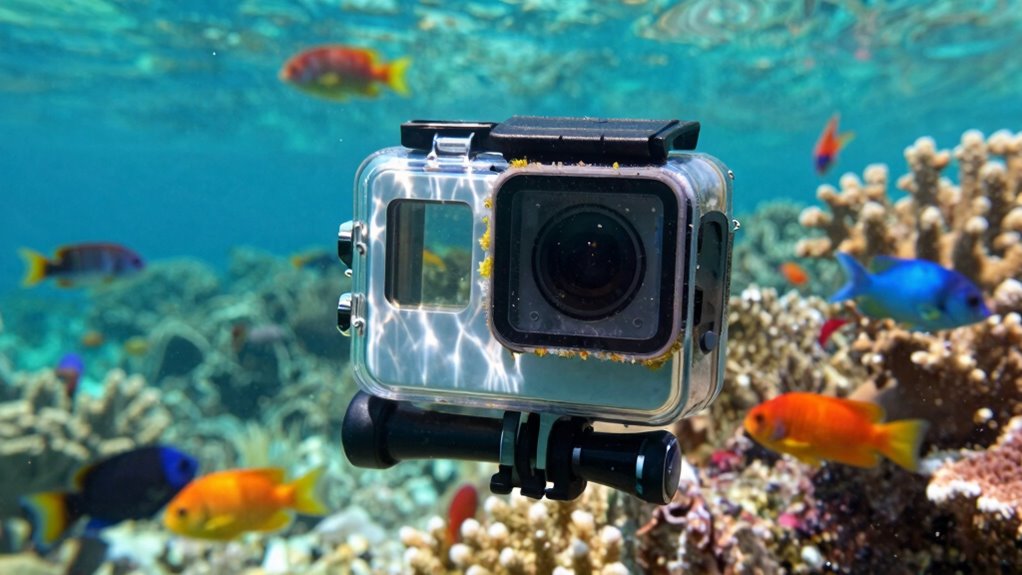
When diving underwater, many forget to adjust camera settings like stabilization, resolution, or color correction, which can cause shaky footage, dull colors, or missed shots. Ensuring your camera is set up correctly before your dive is key to capturing clear, professional-looking footage. Check your settings for underwater conditions, switch on stabilization, and select the right resolution. Keep these tips in mind so you don’t miss out—there’s more to optimize your shots just beneath the surface.
Key Takeaways
- Enable underwater-specific modes like “Underwater” or “Waterproof” to optimize color and contrast.
- Adjust stabilization settings to reduce footage shake caused by water movement.
- Set appropriate resolution and frame rate for smooth, clear underwater videos.
- Turn off automatic settings that may conflict underwater, such as auto white balance or auto ISO.
- Check and customize exposure and white balance to counter underwater lighting conditions.
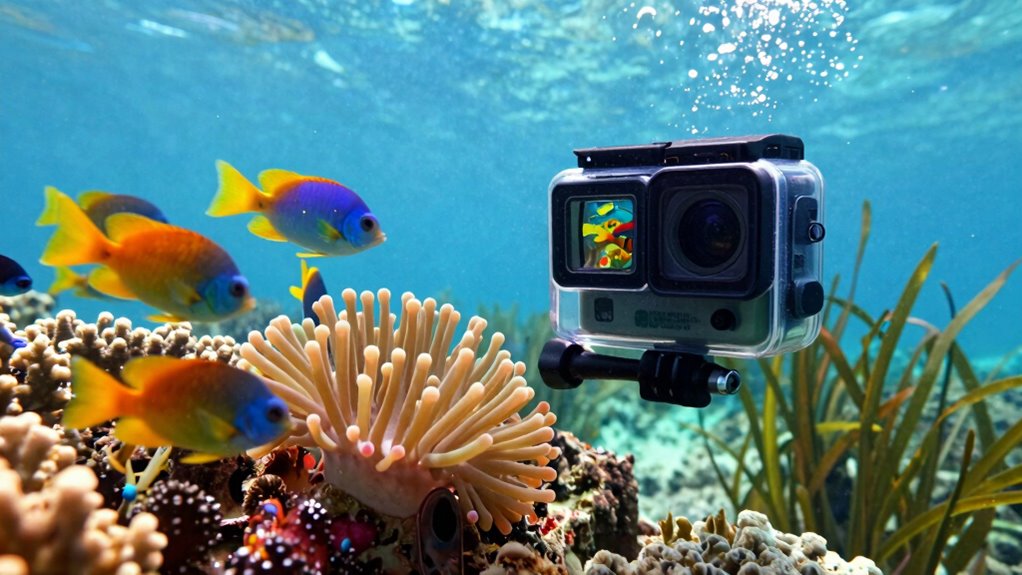
If you’re looking to capture your underwater adventures in stunning detail, action cameras designed for underwater use are essential gear. But even the best camera won’t deliver the footage you want if you don’t set it up properly. One of the most overlooked yet critical aspects is adjusting your mounting options. Your camera’s mounting system determines not only how steady and secure your footage is but also how conveniently you can access different angles. Whether you prefer a chest mount, helmet strap, or a handheld grip, choosing the right mount can make a huge difference in your recording experience. Proper mounting ensures your camera stays in place during vigorous movements and captures the scene from the most advantageous perspective. Many divers and snorkelers neglect to explore all available mounting options, sticking to one position out of habit. However, experimenting with different mounts can reveal new angles and enhance your footage. Remember, a secure mount prevents shaky footage and allows you to focus on your dive instead of adjusting your equipment constantly. Additionally, understanding camera settings such as stabilization and resolution can significantly improve your underwater videos. Battery life is another critical setting that often gets overlooked or forgotten. Underwater adventures can last for hours, and your camera’s battery life determines how much footage you can capture without interruption. Many action cameras have impressive specs, but you need to pay attention to how long they can operate in your specific conditions. If you plan on a lengthy dive or multiple dives in a day, carry extra batteries or invest in a portable charger compatible with your device. It’s surprisingly common to forget to check or change the battery before heading underwater, only to find that your camera dies midway through capturing an incredible moment. To avoid this disappointment, always pre-charge batteries, and consider setting your camera to a power-efficient mode if available. Some models also have the option to extend battery life with accessories like external power packs, which can be a game-changer for serious underwater filming. In the rush to get your gear ready, it’s easy to overlook these settings, but neglecting mounting options and battery life can seriously undermine your underwater footage. Before jumping in, take a moment to review your mounting setup, ensuring it’s secure and versatile enough for your planned shots. Double-check your batteries and have spares on hand. Small adjustments in these areas can elevate your underwater videos from shaky, incomplete clips to professional-looking footage that truly captures the magic beneath the surface.

AKASO EK7000 4K30FPS 20MP WiFi Action Camera with EIS Ultra HD 131FT Waterproof Underwater Camera Remote Control 4X Zoom Support External Microphone Black
- 4K Ultra HD Video: Records at 4K30FPS with 20MP photos
- Electronic Image Stabilization: Ensures smooth, steady footage
- Waterproof up to 131ft: Suitable for underwater adventures
As an affiliate, we earn on qualifying purchases.
As an affiliate, we earn on qualifying purchases.
Frequently Asked Questions
How Often Should I Check the Waterproof Seal on My Action Camera?
You should check the waterproof seal on your action camera before each use, especially if you’ve been handling it roughly or it’s been exposed to dirt or water. Regular seal inspection guarantees no damage or debris has compromised the seal, and if you notice any cracks or wear, replace the seal immediately. Doing this frequently helps prevent water damage, keeping your camera safe and functioning properly during underwater adventures.
Can I Use My Underwater Action Camera in Freshwater and Saltwater Interchangeably?
You can use your underwater action camera in freshwater and saltwater, but it’s wise to verify its freshwater compatibility and saltwater durability first. Many cameras are designed for both environments, but saltwater can cause corrosion if not properly rinsed afterward. Always clean and dry your camera after saltwater use to maintain performance. Confirm your model’s specifications to ensure it’s suitable for both, preventing damage and extending its lifespan.
What Are the Signs That the Waterproof Housing Is Compromised?
You’ll notice signs of compromised waterproof housing when you see fogging inside, water droplets, or corrosion, indicating seal integrity issues. Check for cracks, dents, or any housing damage regularly, as these can allow water to seep in. If you spot any of these signs, it’s essential to replace or repair your housing immediately, preventing water damage to your camera and ensuring your underwater adventures stay protected.
How Do Temperature Changes Affect Underwater Camera Performance?
Temperature changes can hit your underwater camera like a rollercoaster, affecting its performance. Rapid shifts cause pressure effects inside the housing, risking fogging or leaks. Cold temperatures reduce thermal insulation, making components work harder and possibly leading to battery drain or malfunctions. To protect your gear, avoid sudden temperature swings and allow your camera to acclimate gradually, ensuring ideal performance and preventing damage caused by pressure effects and inadequate thermal insulation.
Is There a Recommended Maintenance Routine After Underwater Use?
After underwater use, you should perform a seal inspection to guarantee no damage or leaks. Follow with a thorough cleaning routine, rinsing the camera with fresh water to remove salt, sand, or debris. Dry the device completely, paying special attention to seals and ports. Regular maintenance like this keeps your action camera waterproof and functional, preventing costly repairs and extending its lifespan.
Conclusion
Remember, the devil’s in the details. You might have the coolest action camera, but if you forget to change your settings underwater, your footage could turn out disappointing. Always double-check your settings before diving in—it’s better to be safe than sorry. Like they say, “A stitch in time saves nine.” Taking a moment to prepare guarantees you capture stunning memories instead of missed opportunities. So, stay vigilant and enjoy your underwater adventures to the fullest!