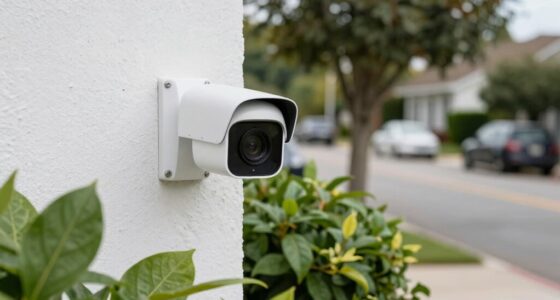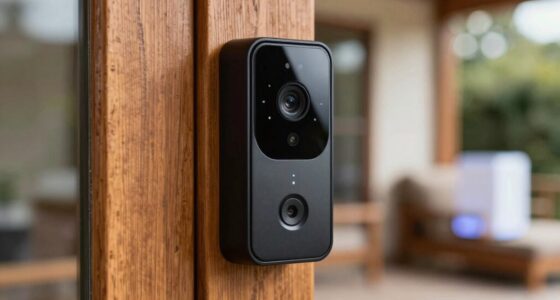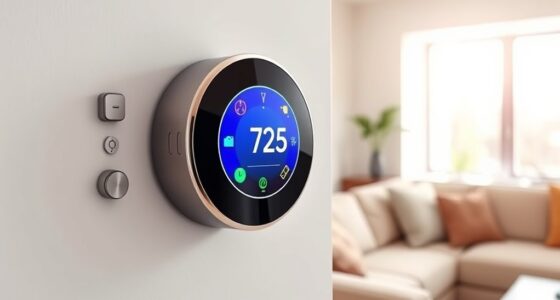

To set up a dedicated smart home network, start by segmenting devices using VLANs or dual-band routers to separate IoT gadgets from your main devices. Keep all firmware updated and monitor device activity regularly for security threats. Use centralized management tools to control access and analyze network traffic to identify unusual activity. Proper segmentation and ongoing management protect your privacy and improve performance. Continuing to explore these tips will help you create a safer, more efficient smart home environment.
Key Takeaways
- Implement network segmentation using dual-band routers or VLANs to separate smart home devices from main devices.
- Isolate IoT devices from personal and work devices to enhance security and limit potential breaches.
- Regularly update firmware and use centralized management tools to monitor device status and ensure security.
- Use traffic analysis tools to identify unusual activity, unauthorized devices, or bandwidth issues.
- Combine segmentation, device management, and traffic monitoring for a comprehensive, secure smart home network setup.
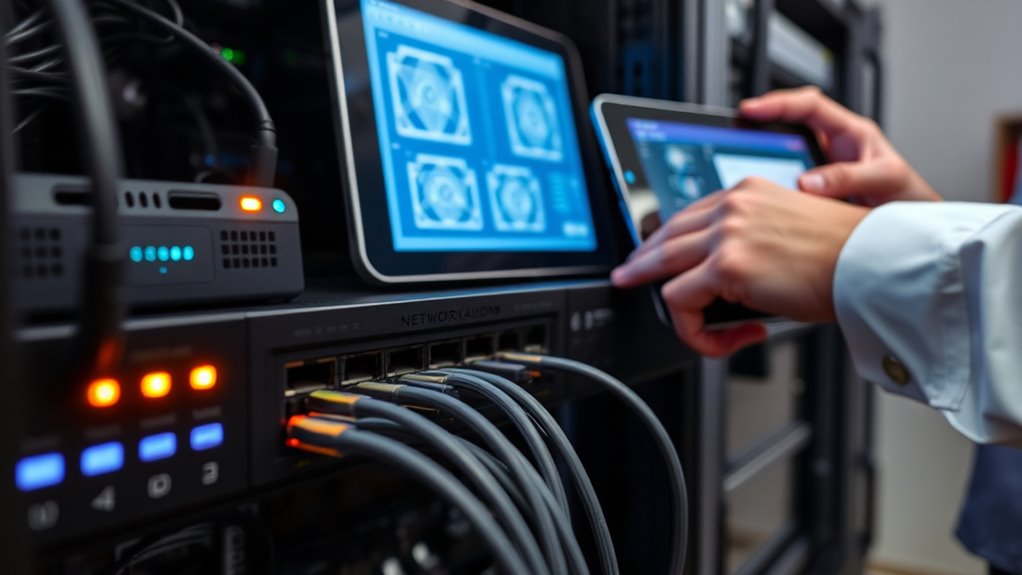
Setting up a smart home network can seem overwhelming at first, but with careful planning and the right equipment, you can create a seamless and secure system. One of the most important steps is establishing effective network segmentation. This means dividing your network into separate zones: one for your IoT devices, another for personal computers, smartphones, and work-related equipment. Doing so limits the potential damage if a device gets compromised, preventing malware from spreading across your entire network. It also makes managing your devices much easier, as you can prioritize traffic and troubleshoot issues more efficiently. To properly segment your network, consider using a dual-band router or setting up VLANs (Virtual Local Area Networks) if your equipment supports it. This way, you can isolate your smart home gadgets from your main devices, adding an extra layer of security. Implementing network segmentation is a fundamental step in protecting your smart home environment from cyber threats.
Effective smart home networks use segmentation to enhance security and simplify device management.
A key aspect of maintaining a secure and efficient smart home network is IoT device management. You want to keep tabs on every device connected to your network—know what’s online, what firmware it’s running, and whether it’s behaving normally. Regular updates are vital, as they patch security vulnerabilities and improve device performance. Use a dedicated management platform or app that consolidates control over your IoT devices, making it easier to monitor and configure them. This centralized management also helps you identify any suspicious activity quickly, such as unexpected data uploads or devices communicating with unknown servers.
Network traffic analysis plays a significant role in safeguarding your smart home. By analyzing the data flowing through your network, you can detect unusual patterns that might indicate security breaches or malfunctioning devices. Many advanced routers have built-in traffic analysis tools, or you can deploy third-party solutions to get detailed insights. These tools let you identify bandwidth hogs, unauthorized devices, or strange communication patterns. Regularly reviewing this data helps you stay ahead of potential threats, ensuring your network remains both secure and efficient. Proper traffic analysis also improves your overall understanding of how your devices operate, enabling you to optimize network performance and troubleshoot issues faster.
In essence, creating a dedicated smart home network involves careful segmentation, diligent IoT device management, and consistent network traffic analysis. These steps work together to keep your devices secure, your data private, and your network running smoothly. By staying proactive and vigilant, you can enjoy the convenience of your smart home without sacrificing security or performance.
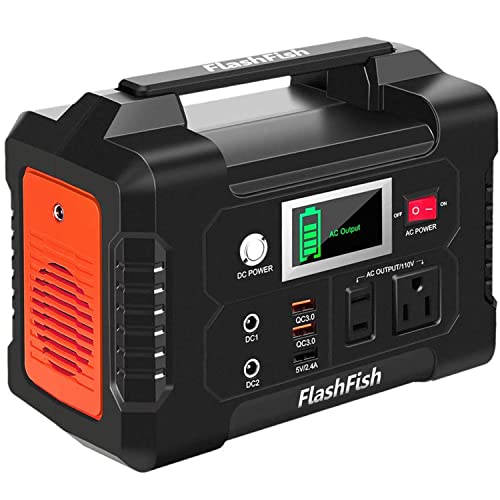
Portable Power Station 200W, FF Flashfish 40800mAh Backup Power Battery Pack With 110V AC Outlets/2 DC Ports/3 USB Ports, Solar Generator Power Supply For Home Backup, Power Outages, and Camping
[Multiple Outputs for All Your Devices] Flashfish portable power station features versatile outputs: 110V AC outlet (200W), 2...
As an affiliate, we earn on qualifying purchases.
Frequently Asked Questions
How Do I Prioritize Bandwidth for Smart Home Devices?
To prioritize bandwidth for your smart home devices, focus on bandwidth management by setting quality prioritization rules in your router. Assign higher priority to essential devices like security cameras or smart thermostats, ensuring they get the bandwidth they need. Use your router’s Quality of Service (QoS) settings to automate this process, so your smart devices operate smoothly without interruptions, even when your network is busy.
What Are the Best Practices for Updating Smart Home Device Firmware?
They say, “A stitch in time saves nine,” and the same applies to firmware updates. Regularly check for firmware updates on your smart home devices and install security patches promptly. Keeping firmware current guarantees your devices stay secure against vulnerabilities, improving performance and stability. Always download updates from official sources, and enable automatic updates if available, so you don’t miss critical security patches that protect your smart home network.
Can I Use a Guest Network for Smart Home Devices?
Yes, you can use a guest network for your smart home devices. This setup provides device isolation, preventing your smart devices from accessing your main network and sensitive data. By doing so, you enhance security and reduce the risk of cyber threats. Remember to enable guest network isolation features, so your devices stay separated, and keep your main network secure for your personal use and important devices.
How Do I Troubleshoot Connectivity Issues in a Segmented Network?
When troubleshooting connectivity issues in a segmented network, start with network diagnostics to identify where the problem lies. Check device compatibility to guarantee your smart devices work seamlessly with your network setup. Restart your router and affected devices, and verify that each segment has proper configurations. If issues persist, test connections within each segment to pinpoint faults, and update firmware or drivers as needed for peak performance.
What Security Protocols Are Recommended for Smart Home Wi-Fi?
When securing your smart home Wi-Fi, you should prioritize strong encryption standards like WPA3, which offers enhanced security. Use robust authentication methods, such as complex passwords and two-factor authentication, to prevent unauthorized access. Regularly update your router’s firmware and disable unnecessary features. These steps help protect your devices and data, ensuring your smart home network remains safe from potential threats while maintaining seamless connectivity.

BLUETTI Elite 30 V2 Portable Power Station 600W (Power Lifting 1500W), 288Wh LiFePO4 Battery with 10ms UPS, Emergency Backup Power for Home Blackout/Winter Storm, Solar Generator for Camping/Road Trip
[288Wh On-the-Go Power] - Only 9.4 lbs lightweight, carry it anywhere during storms! 288Wh capacity meets daily &...
As an affiliate, we earn on qualifying purchases.
Conclusion
By creating a dedicated smart home network, you’ve built a fortress protecting your digital sanctuary. Think of network segmentation as a moat, keeping threats at bay, while strong security measures are your fortress walls. With these steps, your smart home becomes a resilient castle, safe from intruders and chaos. Embrace this proactive setup, and watch your digital world flourish—peace of mind blooming like a well-tended garden, bright and secure for all who dwell within.
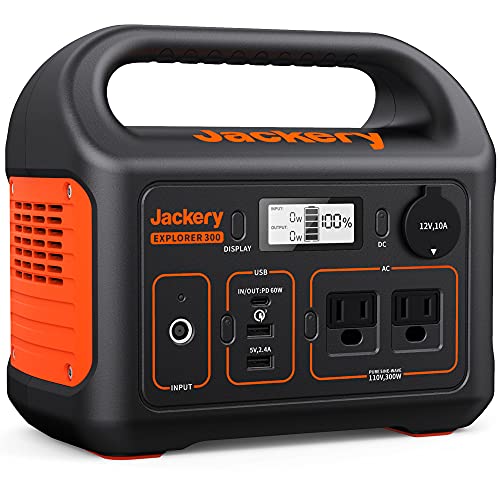
Jackery Portable Power Station Explorer 300, 293Wh Backup Lithium Battery, Solar Generator for Outdoors Camping Travel Hunting Blackout (Solar Panel Optional)
SPEED UP YOUR RECHARGEABILITY: It takes only 2 hours to recharge 80% battery of the power station through...
As an affiliate, we earn on qualifying purchases.

CyberPower CP1500PFCLCD PFC Sinewave UPS Battery Backup and Surge Protector, 1500VA/1000W, 12 Outlets, AVR, Mini Tower, UL Certified
1500VA/1000W PFC Sine Wave Battery Backup Uninterruptible Power Supply (UPS) System designed to support active PFC and conventional...
As an affiliate, we earn on qualifying purchases.