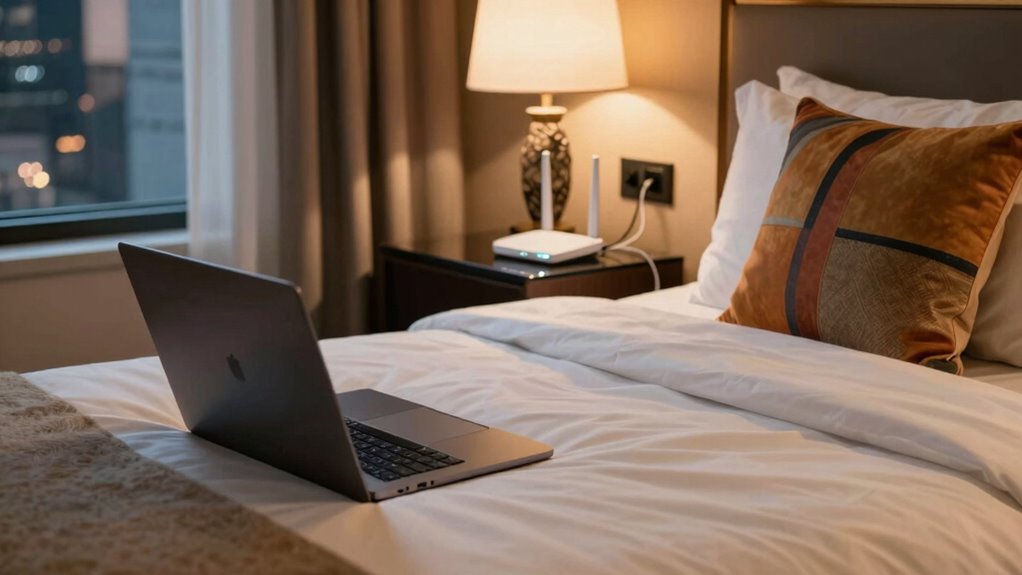

To get reliable internet in a hotel room, start by choosing a secure, strong Wi-Fi network and use a VPN to protect your data. Optimize your connection by placing your device near the router or a signal booster, and consider using portable Wi-Fi extenders if the signal is weak. Switching to less congested networks and securing your device guarantees better speed and security. If you want to discover more tips, there’s plenty to explore for a seamless online experience.

Get travel and outdoor gear delivered free with Prime
- Fast, free delivery on millions of items
- Prime Video, Amazon Music and more included
- Member-only deals all year
Key Takeaways
- Use a Wi-Fi signal booster or portable extender to enhance coverage in your hotel room.
- Connect to the strongest available network and avoid congested or crowded Wi-Fi hotspots.
- Place your device closer to the router or extender for better signal strength.
- Enable a VPN to secure your connection and prevent security breaches on public networks.
- Verify if the hotel’s login page uses HTTPS to ensure a secure connection before entering sensitive information.
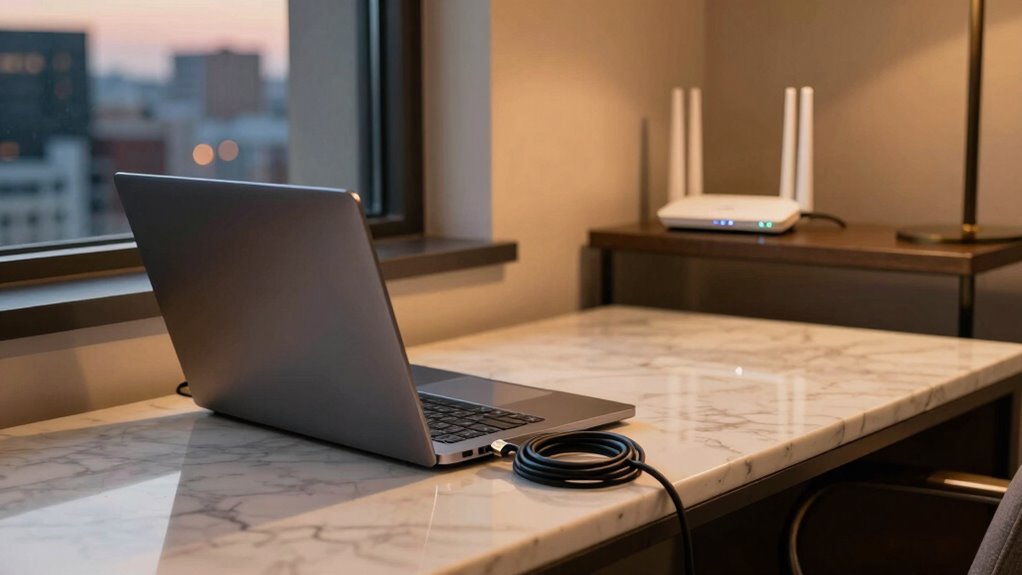
Having reliable internet in a hotel room is essential whether you’re traveling for work or leisure. It’s the backbone of staying connected, whether you need to attend virtual meetings, stream your favorite shows, or upload important files. But hotel Wi-Fi isn’t always as dependable as you’d like, often plagued by weak signals or security concerns. To truly access a stable connection, you need to understand a few key strategies, starting with Wi-Fi security and signal boosters.
First, consider your Wi-Fi security. Public or hotel Wi-Fi networks are prime targets for hackers, so you should always prioritize secure connections. Use a virtual private network (VPN) whenever possible; it encrypts your data and keeps your information safe from prying eyes. Additionally, avoid accessing sensitive accounts on unsecured networks. If the hotel’s Wi-Fi has a login portal, make sure it uses HTTPS, which adds an extra layer of security. Being cautious about Wi-Fi security helps you prevent potential breaches, especially if you’re handling confidential work files or personal information.
Next, focus on improving your signal strength. Hotel Wi-Fi signals can be inconsistent, especially in larger rooms or those far from the router. This is where signal boosters come into play. Portable Wi-Fi extenders or travel-friendly signal boosters can dramatically improve your connection by amplifying the existing Wi-Fi signal. Simply plug them into a power outlet near your device and follow the setup instructions. These devices create a stronger, more stable connection, reducing frustrating dropouts and buffering. They’re especially useful if you’re in a room with thick walls or multiple floors, where signals tend to weaken.
Another tip is to position your device and any signal boosters strategically. Place your device closer to the router or the booster to maximize signal reception. If your hotel has multiple Wi-Fi networks, try switching to the one with the strongest signal, often indicated by the signal icon on your device. Sometimes, hotel Wi-Fi can be congested with other guests, slowing down your connection. Using a signal booster can help mitigate this congestion by ensuring you’re getting the best possible signal from your local network. Additionally, understanding the nature of free-floating network systems can help you better grasp how these signals operate and how to optimize your setup.
Ultimately, securing your Wi-Fi connection and boosting your signal are key steps toward reliable internet in a hotel room. You don’t have to accept weak or insecure Wi-Fi as a given. With the right precautions and tools, you can enjoy a more stable, faster, and safer online experience, no matter where you’re staying. So, before your next trip, equip yourself with these insights, and you’ll be well on your way to seamless connectivity throughout your hotel stay.
portable Wi-Fi extender for travel
As an affiliate, we earn on qualifying purchases.
As an affiliate, we earn on qualifying purchases.
Frequently Asked Questions
How Can I Test Hotel Wi-Fi Speed Before Booking?
You can test hotel Wi-Fi speed before booking by using speed test apps like Ookla or Fast.com on your device. Make sure to check the Wi-Fi signal strength in the room or area you’ll stay. If possible, ask the hotel staff if they can run a quick speed test for you. This way, you’ll know if the connection meets your needs and can avoid surprises upon arrival.
Are There Specific Hotel Chains Known for Better Internet?
You should look for hotel chains with a strong reputation for reliable internet, like Marriott or Hilton, since their guest reviews often highlight consistent Wi-Fi performance. Checking recent reviews can give you real insights into current service quality. Booking from these trusted chains increases your chances of getting dependable internet, but always verify Wi-Fi speed and availability before confirming your reservation to guarantee it meets your needs.
What Equipment Should I Bring for a Stronger Connection?
Did you know that 62% of travelers struggle with hotel Wi-Fi? To boost your connection, bring essential hotel equipment like a portable Wi-Fi hotspot or signal booster. These devices can markedly improve your signal strength and stability. Make sure to pack a reliable power bank and extra cables, so your connection stays strong throughout your stay. With the right equipment, you’ll enjoy seamless internet wherever you go.
How Do I Troubleshoot Common Wi-Fi Issues During My Stay?
To troubleshoot common Wi-Fi issues, start by checking your signal strength—move closer to the router if needed. Restart your device and the hotel’s router if possible. Reduce interference by staying away from electronics and thick walls. Use interference mitigation techniques, like switching to a less congested band or resetting your connection. These steps help improve stability and guarantee you stay connected during your stay.
Can I Use My Phone as a Wi-Fi Hotspot in Hotel Rooms?
Yes, you can definitely use your phone as a Wi-Fi hotspot in hotel rooms. By leveraging your mobile data, you create a personal, portable internet point. To improve your internet experience, consider signal boosting devices that amplify your connection. This simple setup ensures you stay connected, stream smoothly, and surf swiftly, providing a dependable digital domain even when hotel Wi-Fi whiffs or wavers.
Conclusion
By following these tips, you can turn your hotel room into a sanctuary of seamless connectivity. Think of reliable internet as the bridge that keeps you connected to work, loved ones, and your favorite streaming shows—even when you’re far from home. Remember, with a little preparation, you hold the power to transform any hotel stay into a smooth, stress-free experience. After all, isn’t staying connected what truly makes travel memorable?
Halloween Picks
halloween
As an affiliate, we earn on qualifying purchases.