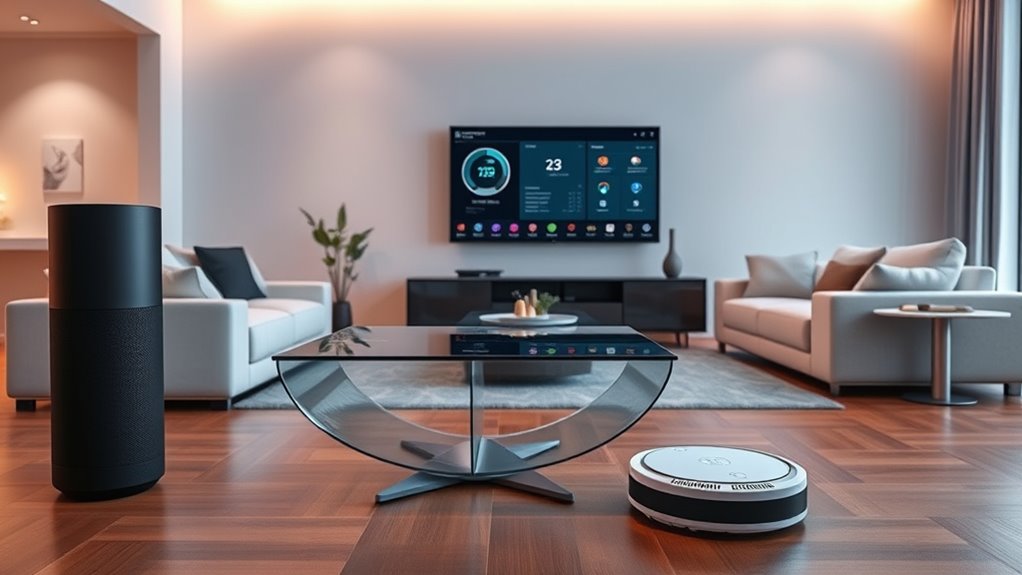

To make your smart devices work together, start by checking each gadget’s compatibility with your platforms like Alexa, Google, or Siri. Use a central hub or a unified app to connect multiple brands, and keep their firmware updated. Incorporate third-party tools like IFTTT or SmartThings if needed. Ensuring a strong Wi-Fi connection and organizing routines can also improve automation. If you want detailed steps on achieving smooth integration, keep exploring these tips.
Key Takeaways
- Verify device compatibility with your smart platform (Alexa, Google, Siri) before integration.
- Use a central hub or unified app to connect multiple brands effectively.
- Employ third-party platforms like IFTTT or SmartThings to bridge incompatible devices.
- Keep firmware and software updated to ensure seamless communication and improved compatibility.
- Group devices into routines or scenes for automated, coordinated control through voice commands.
As smart devices become increasingly common in homes and workplaces, integrating them seamlessly can substantially enhance convenience and efficiency. When you set out to connect various gadgets, the key is understanding how voice control and device compatibility work together to create a cohesive system. Voice control allows you to manage multiple devices with simple commands, making daily routines smoother and more intuitive. To make this happen, you need to confirm that your devices are compatible with your preferred voice assistant, whether it’s Alexa, Google Assistant, or Siri. Compatibility is essential because it determines whether your gadgets can communicate effectively. If your smart bulbs, thermostats, or security cameras aren’t compatible with your voice assistant, they won’t respond to voice commands, creating frustration and limiting your automation options.
Start by checking each device’s specifications to verify compatibility with your voice control platform. Many manufacturers list this information clearly, so take the time to verify before purchasing. If you already own multiple devices, look for a central hub or a unified app that supports integration across different brands. This can simplify setup and give you more control over your smart ecosystem. Once you’ve confirmed compatibility, consider grouping related devices into scenes or routines. For example, you could set a “Good Morning” routine that turns on the lights, adjusts the thermostat, and starts your coffee maker—all triggered by a single voice command. This level of integration relies on your devices working together smoothly, which is why compatibility is so vital.
Additionally, keep your devices’ firmware and software up to date. Manufacturers regularly release updates that improve device compatibility and add new features. Outdated software can prevent devices from syncing properly, so regular updates ensure your smart home functions as intended. When setting up voice control, pay attention to the permissions and privacy settings. Make sure your voice assistant has access to all the necessary devices, but also review privacy options to keep your data secure.
Furthermore, understanding the importance of local network stability can greatly impact the performance of your smart device integration, as a strong and reliable Wi-Fi connection ensures seamless communication between gadgets. If you encounter issues with device compatibility, consider using third-party platforms like IFTTT or SmartThings. These services can bridge gaps between incompatible devices, enabling them to work together through custom automations. However, keep in mind that relying on third-party integrations can sometimes introduce latency or stability issues, so always prioritize native compatibility whenever possible. By focusing on voice control and confirming your devices are compatible, you create a smarter, more responsive environment that responds effortlessly to your commands. This approach not only enhances convenience but also maximizes the potential of your smart home or workspace, making everyday tasks simpler and more enjoyable.
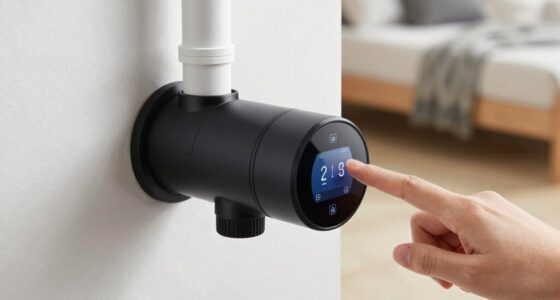
smart home hub compatible with Alexa Google Siri
As an affiliate, we earn on qualifying purchases.
As an affiliate, we earn on qualifying purchases.
Frequently Asked Questions
How Do I Troubleshoot Device Compatibility Issues?
When you face device compatibility issues, start by ensuring proper device pairing. Check if your gadgets support the same protocols or platforms. Use troubleshooting tips like restarting devices, updating firmware, or resetting network connections. If pairing problems persist, consult the device manuals or manufacturer’s support. Keeping devices up-to-date and verifying compatibility before setup helps prevent issues, making integration smoother and more reliable.
Can I Integrate Devices From Different Brands Seamlessly?
You can often integrate devices from different brands seamlessly by focusing on brand compatibility and device bridging solutions. Check if the devices support common protocols like Zigbee or Z-Wave, which help connect different brands easily. Use a smart hub or bridge that supports multiple brands and protocols, making device bridging simple. This way, you guarantee smooth communication and control across your varied smart gadgets, regardless of their brands.
What Security Measures Should I Take When Connecting Gadgets?
Imagine your smart home as a fortress guarding your privacy. To keep it secure, you should use strong encryption protocols and enforce strict user authentication. Always change default passwords and enable two-factor authentication where possible. Regularly update device firmware to patch vulnerabilities. These measures protect your gadgets from unauthorized access, ensuring your connected devices work harmoniously without risking personal data or security breaches.
How Do I Update Firmware Across Multiple Devices?
To update firmware across multiple devices, start by checking each device’s settings or app for firmware update options. Many devices support device synchronization, allowing you to update them simultaneously through a centralized app or platform. Make sure your devices are connected to a stable Wi-Fi network, and follow the prompts to install updates. Regular firmware updates enhance security and performance, keeping your gadgets running smoothly and in sync.
Is There a Universal App to Control All Smart Gadgets?
Did you know that over 60% of smart device owners wish for easier control? A universal app offers a solution by providing cross-platform compatibility, so you can manage all your gadgets from one interface. While no single app is perfect for every device, many popular options support multiple brands, simplifying your smart home experience. Look for apps with broad device support and regular updates to guarantee seamless control.
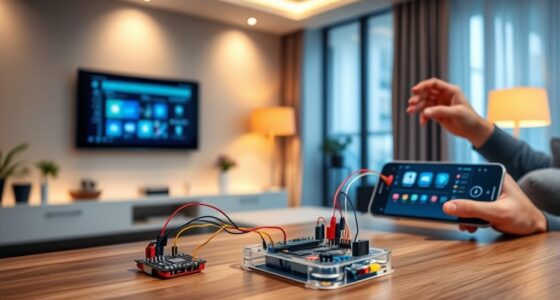
unified smart home app for multiple brands
As an affiliate, we earn on qualifying purchases.
As an affiliate, we earn on qualifying purchases.
Conclusion
Now that you know how to integrate your smart devices, you’re like a conductor orchestrating a seamless symphony. When your gadgets work together effortlessly, daily routines become smoother and more enjoyable. It’s as satisfying as watching a puzzle come together perfectly. Keep experimenting, stay patient, and soon you’ll enjoy a connected home that feels just right—like a warm hug from technology that truly understands you.
IOT device compatibility checker
As an affiliate, we earn on qualifying purchases.
As an affiliate, we earn on qualifying purchases.
smart device automation routines
As an affiliate, we earn on qualifying purchases.
As an affiliate, we earn on qualifying purchases.