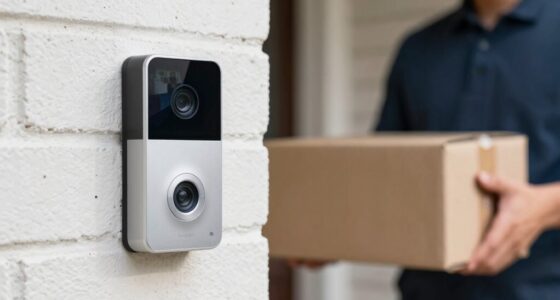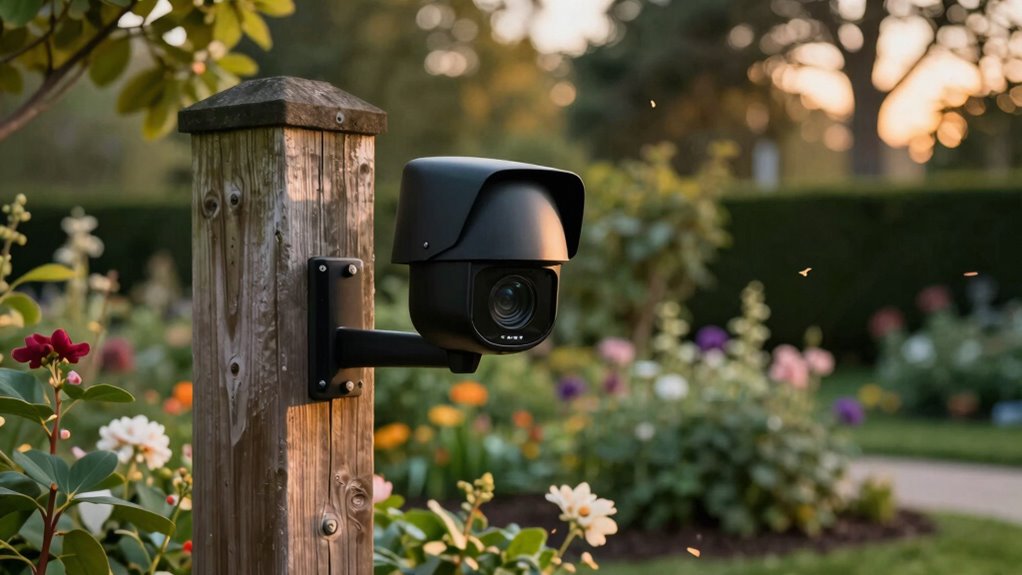

To cut false alerts fast on your outdoor camera, start by adjusting the motion detection zones to focus only on important areas and exclude busy or irrelevant spots. Lower the sensitivity setting to reduce minor triggers like moving branches or passing cars. Using activity zones helps target specific regions, while AI-based detection can tell apart humans, animals, and vehicles. These tweaks quickly improve accuracy, and there’s more you can do to optimize your camera’s performance as you explore further.

Get travel and outdoor gear delivered free with Prime
- Fast, free delivery on millions of items
- Prime Video, Amazon Music and more included
- Member-only deals all year
Key Takeaways
- Use customizable detection zones to exclude areas prone to false triggers like roads or trees.
- Adjust sensitivity settings to find a balance that detects genuine activity but reduces false alarms.
- Enable AI-based detection to differentiate humans, animals, and vehicles from environmental movements.
- Regularly update firmware and app to benefit from improvements in detection accuracy.
- Monitor environmental factors like weather and lighting to fine-tune detection zones and sensitivity accordingly.
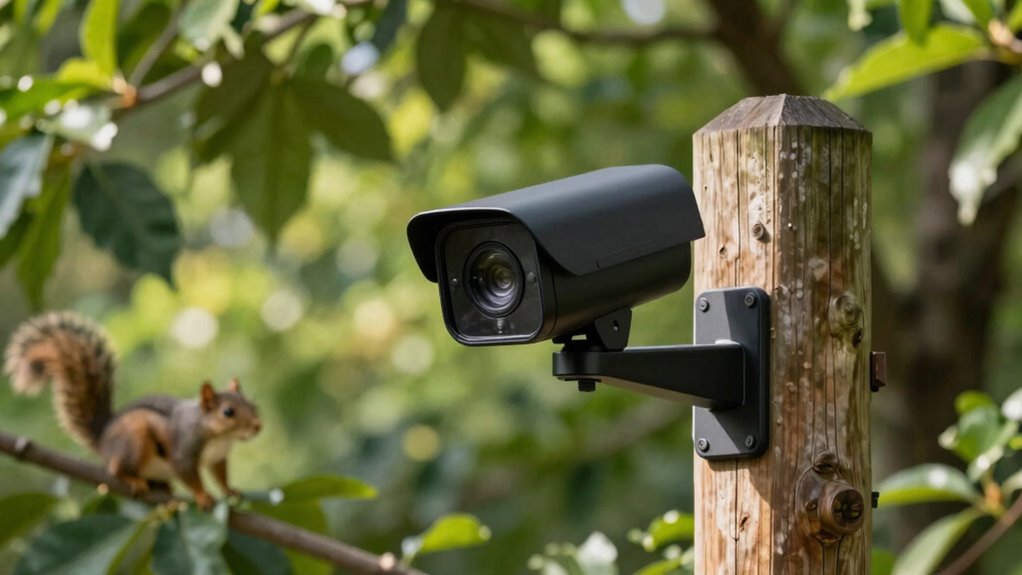
Have you ever struggled to get clear outdoor photos or videos despite having a good camera? If so, it’s probably because your camera’s settings aren’t optimized to handle the outdoor environment’s complexities. One common challenge is dealing with false alerts triggered by movement that doesn’t matter—like passing cars, branches swaying, or animals wandering through the frame. To cut down on these unnecessary notifications, you need to fine-tune your camera’s motion detection and notification preferences.
Start by adjusting your motion detection settings. Many outdoor cameras come with customizable zones, allowing you to focus detection on specific areas rather than the entire frame. For example, if your camera is mounted near a busy street, you can set the detection zone to exclude the road, avoiding alerts every time a car passes by. This targeted approach helps your camera focus on areas where genuine activity occurs, reducing false alarms. Additionally, some cameras let you set sensitivity levels for motion detection. Lowering sensitivity can prevent minor movements—like leaves rustling or shadows shifting—from triggering alerts. It’s a balancing act: set it too low, and you might miss real activity; set it too high, and false alerts flood your notifications.
Adjust motion detection zones and sensitivity to minimize false alerts and focus on real activity.
Next, review your notification preferences. Most outdoor cameras allow you to customize how and when you receive alerts. Instead of constant notifications, opt for fewer, more meaningful alerts—such as only when motion is detected during certain hours or when specific zones are activated. Some systems even offer AI-based detection, allowing you to distinguish between humans, animals, or vehicles. Activating these features can greatly reduce false alerts, as the camera only notifies you when a person or a significant object is detected. It’s also helpful to set up activity zones and schedule alerts during specific times, so you’re not overwhelmed with notifications during daylight hours when activity is normal. Incorporating advanced detection techniques can further enhance accuracy and reduce unnecessary alerts. Regularly reviewing and updating your camera’s firmware and app settings can also help ensure you’re utilizing the latest technology enhancements, which often include improvements in false alert reduction. Being aware of common false triggers in your outdoor environment can help you make more informed adjustments for optimal performance. Furthermore, understanding how environmental factors influence false alarms can assist in making targeted adjustments for better camera reliability.
Finally, make sure your camera’s firmware and app are up to date. Manufacturers often release updates that improve motion detection accuracy and notification filtering. Keeping your system current ensures you benefit from the latest features designed to cut false alerts swiftly. By fine-tuning your motion detection zones and sensitivity, along with customizing notification preferences, you can considerably reduce false alarms. This way, you’ll receive fewer unnecessary alerts, and your outdoor camera will more reliably notify you of genuine activity. In the end, these settings help you capture clearer, more relevant outdoor footage without the distraction of false alerts constantly interrupting your day.
Products Worth Considering

DJI Osmo Pocket 3 4K Camera Creator Bundle with Mic Mini Wireless Microphone System

DJI Osmo Pocket 3 Gimbal Camera

DJI Osmo Pocket 3 Creator Combo Vlogging Camera with 1 CMOS & 4K/120fps
As an affiliate, we earn on qualifying purchases.
Frequently Asked Questions
How Do I Update My Outdoor Camera’s Firmware?
To update your outdoor camera’s firmware, start by opening the camera’s app or web portal. Check for firmware updates under settings, often labeled as “Device Update” or “Firmware.” Make certain your camera is well-placed with clear motion detection, avoiding obstructions. Keep your Wi-Fi connection strong during the update to prevent interruptions. This process guarantees your camera maintains peak performance and reduces false alerts caused by outdated firmware.
Can I Customize Alert Zones on My Outdoor Camera?
Yes, you can customize alert zones on your outdoor camera. By adjusting motion detection settings, you can specify areas where you want alerts, reducing false notifications. Privacy zones let you block out sections like sidewalks or busy streets, preventing unnecessary alerts. This way, you focus only on important activity within your designated zones, making your camera more efficient and respecting your privacy. Just access the camera’s app and select the zone customization options.
What’s the Best Lighting Setup to Reduce False Alerts?
To reduce false alerts, you should optimize your outdoor lighting and focus on motion detection. Use well-placed, consistent lighting that eliminates shadows and glare, which often trigger false alerts. Motion-activated lights work best, as they help your camera distinguish between actual activity and lighting changes. Good lighting setup enhances motion detection accuracy, ensuring your camera only alerts you when genuine activity occurs, saving you time and reducing unnecessary notifications.
How Does Weather Affect Camera False Alerts?
Weather acts like an unpredictable artist, painting your camera’s view with fog, rain, or snow, which can trigger false alerts. To combat this, you should perform regular sensor calibration and implement weatherproofing techniques, shielding your camera from the elements. These steps help your camera distinguish between real threats and weather’s tricks, ensuring it stays alert only when truly necessary, much like a vigilant guardian unaffected by nature’s mood swings.
Are There Specific Camera Models Better at Minimizing False Alerts?
Yes, some camera models excel at minimizing false alerts through advanced motion detection. Look for cameras with customizable zones and AI-powered detection, which can distinguish people from animals or moving foliage. Proper camera placement also matters—position your camera to avoid direct sunlight, moving branches, or reflections, as these cause false alerts. Combining a high-quality model with strategic placement helps you stay alert to real threats and reduces unnecessary notifications.
Conclusion
By fine-tuning your outdoor camera settings, you can swiftly cut down on false alerts and enjoy more reliable security. Adjust motion sensitivity, set specific zones, and utilize smart detection features to stay one step ahead—just like a vigilant guardian of old, but with the convenience of modern tech. Remember, a little tinkering now prevents a lot of unnecessary worry later. After all, even in the age of knights and castles, clear alerts kept everyone safe.