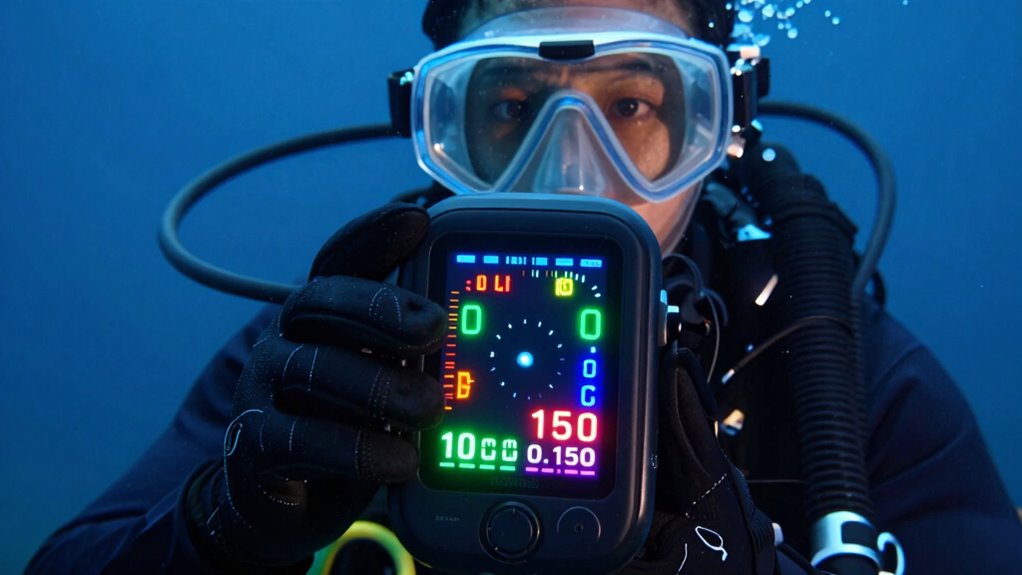

Your scuba computer can feel overwhelming at first because of its complex data, multiple menus, and unfamiliar interface. It displays detailed information like decompression info, gas levels, and dive time, which can be confusing until you gain experience. As you familiarize yourself with one screen at a time and practice, these features become clearer and easier to interpret. Keep exploring, and you’ll soon find that understanding your device boosts your confidence and keeps your dives safer.

Get travel and outdoor gear delivered free with Prime
- Fast, free delivery on millions of items
- Prime Video, Amazon Music and more included
- Member-only deals all year
Key Takeaways
- Complex interfaces with multiple menus and buttons increase difficulty in quickly accessing essential information underwater.
- Technical details like decompression algorithms and nitrogen loading can be confusing without prior familiarity.
- Learning to interpret data on one screen at a time reduces cognitive overload during dives.
- External practice and familiarity with the device help make screens more understandable underwater.
- Gradual mastery of features builds confidence and reduces feeling overwhelmed during initial dives.
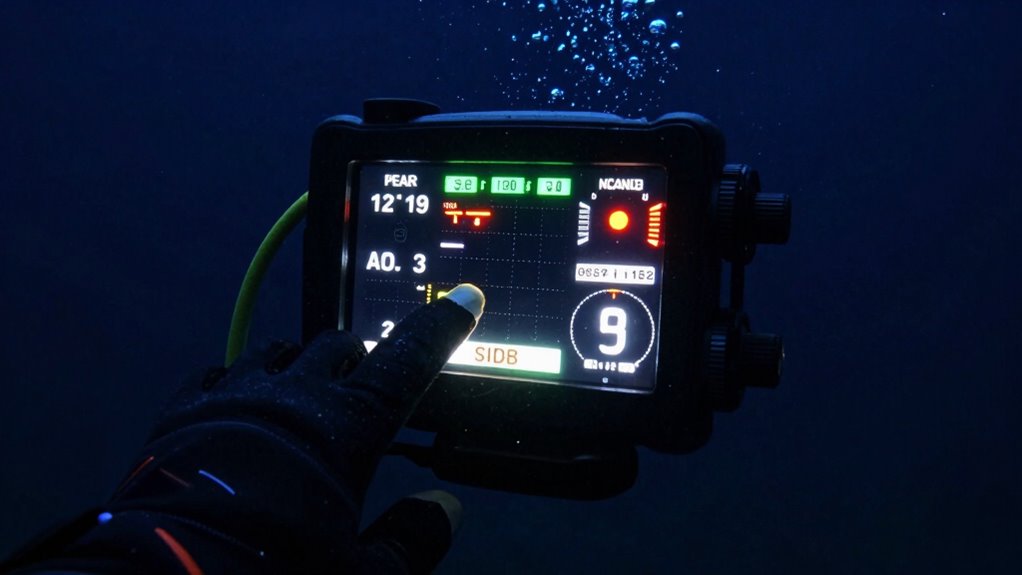
Diving into the world of scuba can be exciting, but it often comes with a steep learning curve—especially when it comes to understanding and using scuba computers. These devices are packed with technical specifications that can seem overwhelming at first glance. From decompression algorithms to nitrogen loading, there’s a lot to digest. It’s easy to feel lost trying to interpret all the data they display, which can make your initial dives feel intimidating rather than enjoyable. The key is to focus on one screen at a time. Once you learn what each element means, the entire device becomes much less daunting.
The user interface design plays a big role in how overwhelming a scuba computer feels. Many models have complex interfaces with multiple menus, buttons, and data points. When you’re underwater, visibility and movement add to the challenge, making it even harder to navigate through confusing menus or interpret cluttered displays. Devices with a well-thought-out user interface design simplify this process. Clear, intuitive layouts and straightforward controls help you quickly access essential information—like current depth, remaining air, or no-decompression limits—without feeling overwhelmed. When you’re familiar with the layout, you can keep your focus on enjoying your dive instead of struggling to read the screen.
Most scuba computers are designed with beginner-friendly features, but it takes time to get comfortable. It helps to start by learning what the main screen shows—often, that’s your current depth and dive time. When you understand this core information, you’re better equipped to manage your dive profile. As you gain experience, you can explore additional features like gas management, ascent warnings, or dive planning tools. Remember, these advanced options are there to support your safety, but they become useful only once you’re comfortable with the basics. Developing an understanding of decompression algorithms and how they influence your dive can also help reduce anxiety by giving you a clearer picture of your safety limits. Additionally, familiarizing yourself with the user interface design outside of the water can make a significant difference in your confidence underwater.
To overcome the overwhelm, try to familiarize yourself with your specific device outside of the water. Read the manual, watch tutorials, or ask your instructor to walk you through the key screens. Focus on mastering one aspect at a time. With practice, the technical specifications will start to make sense, and the user interface design will feel more natural. Soon enough, what once seemed like a confusing jumble of data will become a helpful tool that enhances your dive experience, giving you confidence and peace of mind underwater.
As an affiliate, we earn on qualifying purchases.
Frequently Asked Questions
How Do I Interpret Dive Depth and Time on My Computer?
You interpret dive depth by looking at the main display showing how deep you are in meters or feet. Dive time understanding comes from the timer counting your submerged duration. To get accurate readings, keep an eye on these numbers throughout your dive, and learn how they change with your movements. With practice, dive depth interpretation and dive time understanding become second nature, helping you stay safe and enjoy your dive confidently.
What Are Common Mistakes Beginners Make With Scuba Computers?
Think of diving like sailing; beginners often neglect diver comfort and equipment compatibility, leading to mistakes. You might ignore your computer’s alerts or rely on incompatible gear, risking safety. A common mistake is not fully understanding dive profiles or ignoring ascent rates. Always check your gear, stay within limits, and listen to your computer’s guidance. Prioritize comfort and compatibility to navigate your dive smoothly, just like a sailor trusts their ship.
How Often Should I Update or Calibrate My Scuba Computer?
You should update your scuba computer’s software regularly, ideally whenever updates are available, to guarantee peak performance and safety. Check the battery life before each dive, replacing or charging it as needed to avoid interruptions. Regular calibration isn’t typically required unless specified by the manufacturer. Staying current with software updates and monitoring battery life helps keep your device accurate and reliable, making your diving experience safer and more enjoyable.
Can I Use the Same Computer for Multiple Dives in a Day?
Yes, you can use the same scuba computer for multiple dives in a day. Most models support multiple dive modes, allowing you to switch settings as needed. Just keep an eye on the battery life, as frequent dives can drain it faster. Before your dives, make certain your computer’s fully charged or has fresh batteries, and verify your dive modes are correctly set for each session.
What Features Should I Prioritize When Choosing a Scuba Computer?
When choosing a scuba computer, prioritize features that enhance dive safety, like reliable depth and time tracking, and clear displays. Look for computer customization options so you can tailor alerts and screens to your experience level. Easy-to-read interfaces and adjustable alarms help you stay safe and comfortable underwater. Focusing on these features guarantees you select a device that supports your dives and makes learning the functions less overwhelming.
Conclusion
Once you reveal the secrets of that single screen, scuba computers become your loyal underwater sidekick, not a confusing maze of numbers. Suddenly, every dive feels like a smooth, effortless glide through the ocean’s mysteries. What once seemed like an overwhelming ocean of data now feels like a gentle tide guiding you. So stick with it—you’ll soon be surfing those screens like a true underwater adventurer, conquering the depths with confidence and ease!
Fall Picks
fall essentials
As an affiliate, we earn on qualifying purchases.