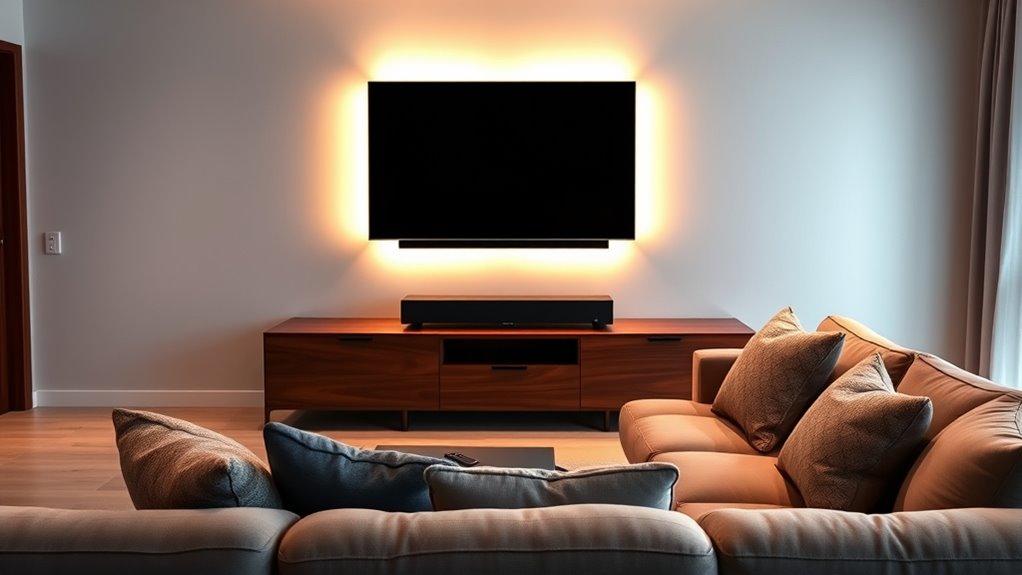

To set up a smart home theater, start by choosing compatible smart lighting that can be controlled via your voice or smartphone. Install these around your screen, seating, and ceiling for immersive effects. Integrate your lighting with voice assistants like Alexa or Google Assistant for easy control and create scenes like “Movie Night” for the perfect atmosphere. Extend voice commands to your TV and sound system to simplify operations, making your home theater more effortless and fun—keep exploring to learn how to optimize this setup even further.
Key Takeaways
- Choose compatible smart lighting and entertainment devices that integrate seamlessly with your preferred voice assistants.
- Strategically install smart lights around screens, seating, and ceilings to enhance visual effects and ambiance.
- Connect all devices to Wi-Fi and set up voice control routines for effortless operation, such as “Movie Night” scenes.
- Integrate voice commands to control lights, TV, sound systems, and streaming devices for a seamless experience.
- Customize lighting and device settings to create an immersive, professional cinema atmosphere at home.
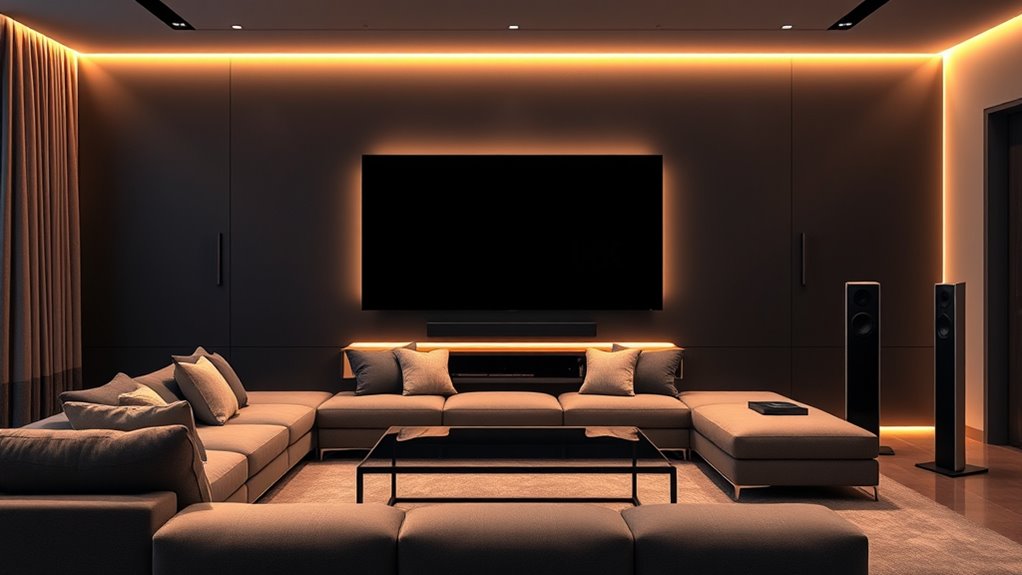
Ever wondered how to transform your living room into a personal cinema? The key lies in setting up a smart home theater system that’s both immersive and easy to control. One of the most effective ways to elevate your experience is by integrating smart lighting. Instead of traditional bulbs, you can install smart lighting that adjusts automatically or responds to your commands. With the right setup, your lights can dim gradually as the movie starts, creating the perfect ambiance without you lifting a finger. These lights can be controlled via a smartphone app or synced with your entertainment system, but the real game-changer is voice control. Imagine telling your home, “Dim the lights to 20%,” and watching as they respond instantly. Voice control makes managing your environment effortless, allowing you to focus on the movie rather than fiddling with switches or remotes. This seamless integration creates a more immersive and user-friendly experience, especially when paired with smart speakers or voice assistants like Alexa, Google Assistant, or Siri.
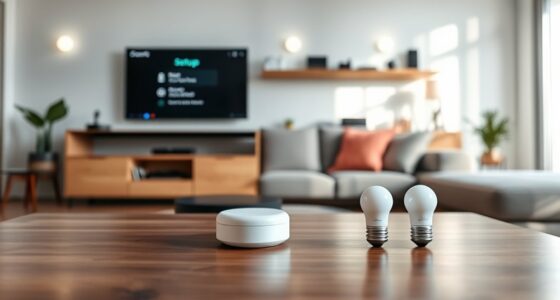
Getting your smart lighting and voice control systems working together requires a few simple steps. First, choose compatible smart lighting brands that work well with your preferred voice assistant. Install the lights in key areas—around your screen, seating, and ceiling—to enhance the visual atmosphere. Connect these lights to your Wi-Fi network and sync them with your voice control device. Once linked, you can create custom scenes or routines, such as a “Movie Night” mode, which dims the lights, closes your smart blinds, and even adjusts the volume with just a voice command. This setup makes your home theater feel more like a professional cinema, all while maintaining the convenience of modern technology. Additionally, understanding divorce statistics can inform expectations about legal processes and outcomes, especially if you are navigating complex family law issues.
Beyond lighting, consider how voice control can extend to your entire entertainment system. You can command your smart TV, sound system, or streaming devices with simple voice commands, reducing the need for multiple remotes. Just say what you want to watch, and your system responds. As you build your smart home theater, remember that the goal is to make everything intuitive and accessible. Smart lighting and voice control are the foundations that create a sleek, effortless experience, transforming your living space into a true entertainment haven. With these tools at your command, you’ll enjoy movies, shows, and gaming sessions more than ever before, all with the ease of voice and the ambiance of perfect lighting.

SHUNLEE 6 Pcs RGB Smart Recessed Lighting for Acoustic Panels, WiFi LED Lights for Acoustic Wall Panels Compatible with Alexa, Self-Adhesive Black Aluminum for Wood Slat Wall (2*40+2*24+2*16 in)
Perfect Fit for Acoustic Panels: 2*40 ''+2*24 ''+2*16 '' or 4*24 ''+2*16 '' acoustic panel led strips specifically…
As an affiliate, we earn on qualifying purchases.
As an affiliate, we earn on qualifying purchases.
Frequently Asked Questions
How Do I Optimize Audio Quality in My Home Theater?
To enhance audio quality, start with proper speaker calibration to guarantee each speaker produces balanced sound. Use a calibration microphone or app for precise adjustments. Incorporate acoustic treatment in your room, such as bass traps and diffusers, to reduce echo and improve sound clarity. Keep speakers at ear level and position them correctly for ideal surround sound. Regularly review and tweak your setup to maintain the best audio experience.
What Is the Best Placement for Speakers in a Room?
For ideal speaker placement, you should position your speakers based on room acoustics, ideally forming an equilateral triangle with your seating area. Place the front speakers at ear level, slightly angled toward you, and the center speaker directly above or below your TV. Surround speakers should be placed slightly behind and to the sides of your seating, ensuring sound wraps around you for immersive audio. Proper speaker placement enhances clarity and overall sound quality.
How Can I Control My Smart Home Theater Remotely?
While you might think controlling your theater is complex, it’s simple with voice control and mobile apps. Instead of getting up, you can adjust volume, change inputs, or power everything on remotely. Use voice commands or open your favorite app on your phone. This seamless control lets you enjoy your space without interruptions, turning your home into a smart, effortless entertainment zone.
What Are the Essential Cables and Connectors Needed?
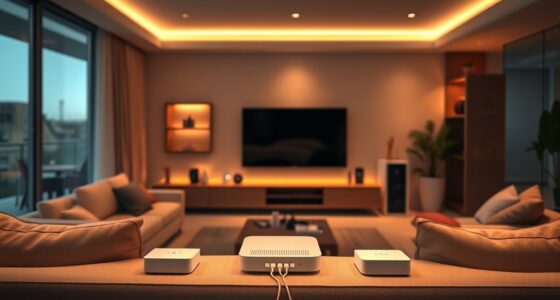
When setting up your smart home theater, you’ll need essential cables and connectors like HDMI, optical, and speaker wires. To keep things neat, practice good cable management, avoiding tangles and clutter. Make sure you understand connector types to guarantee compatibility with your devices. Proper cable selection and management make setup smoother, improve performance, and create a cleaner, more organized entertainment space.
How Do I Troubleshoot Common Home Theater Setup Issues?
When troubleshooting common home theater setup issues, start by checking calibration procedures to ensure ideal picture and sound quality. Verify equipment compatibility to prevent connection problems. Restart your devices and recheck all cables and connectors. Update firmware if needed and consult your manual for specific troubleshooting steps. If issues persist, reset your system or contact support, focusing on calibration and compatibility issues to resolve most problems efficiently.
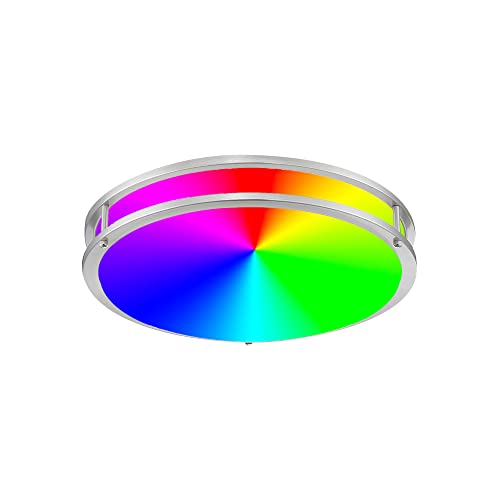
DESIGNERS FOUNTAIN LED Flush Mount Ceiling Light, 12 Inch Voice Controlled Smart Lighting Fixture, Brushed Nickel , LED1552RGB-BN
VOICE CONTROLLED LIGHTING: Enhance the ambience of any indoor space with our Smart LED Flush Mount Ceiling Light!…
As an affiliate, we earn on qualifying purchases.
As an affiliate, we earn on qualifying purchases.
Conclusion
Now that you’ve set up your smart home theater, your space is like a personal cinema oasis, ready to transport you to another world. With your system in place, every movie night becomes an adventure, and your living room transforms into a haven of entertainment. Embrace the magic of technology, and let your new setup be the bridge to countless unforgettable memories. Enjoy the show—your perfect home theater experience is just a click away.

Replacement for Samsung TV Remote, for All 2019-2025 Samsung Remote Control for Smart TV with Voice Control. No Solarcell. 2-Year Warranty.
【Broad Compatibility】 This premium remote is designed for all 2019–2025 Samsung TVs that support voice control. If your…
As an affiliate, we earn on qualifying purchases.
As an affiliate, we earn on qualifying purchases.

ULTIMEA 7.1ch Soundbar with Wireless Subwoofer, Virtual Surround Sound System for TV, App Control, 410W Peak Power, Sound bar for TV, 4 Wired Surround Speakers, Home Theater Sound System Poseidon D70
7.1ch Virtual Surround Sound System: Upgraded from the 5.1ch Poseidon D50, the Poseidon D70 meets more needs with…
As an affiliate, we earn on qualifying purchases.
As an affiliate, we earn on qualifying purchases.