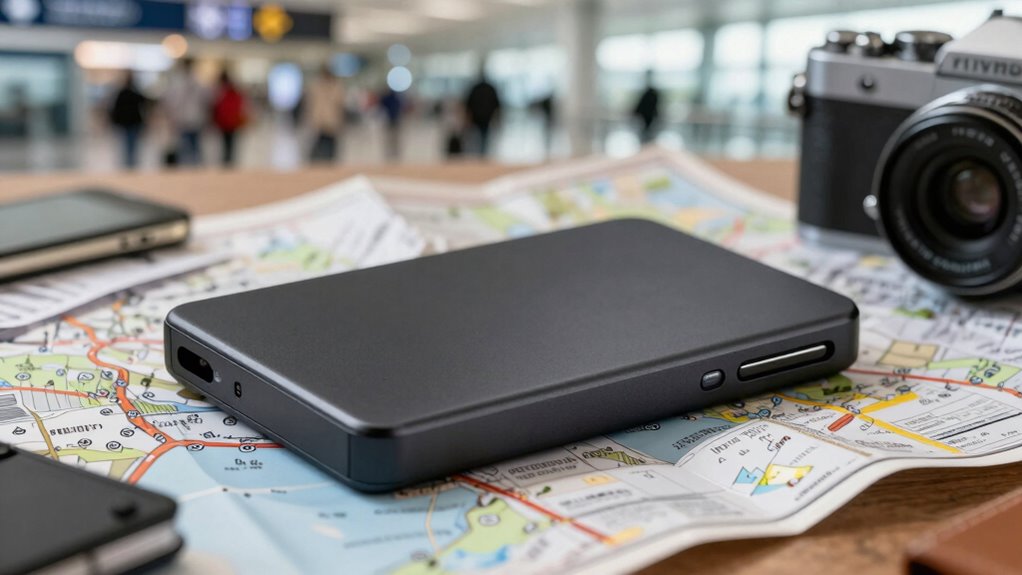

A portable SSD is a must-have backup tool for travelers who want fast, secure access to their data anywhere. Its rugged design and high transfer speeds guarantee your files are protected and accessible on the go, even without Wi-Fi. You can sync important files with cloud storage or store local copies for quick retrieval. To discover how to maximize your backup routine with the right setup, keep exploring the essentials for seamless data safety.
Key Takeaways
- Use portable SSDs for quick, reliable local backups of your essential files during travel.
- Sync your SSD with cloud storage to ensure dual-layer data security and easy recovery.
- Enable hardware encryption on your SSD to protect sensitive information from theft or unauthorized access.
- Carry a durable, rugged SSD to withstand travel-related bumps and drops.
- Incorporate SSD backups into your routine to ensure data redundancy and peace of mind on the go.
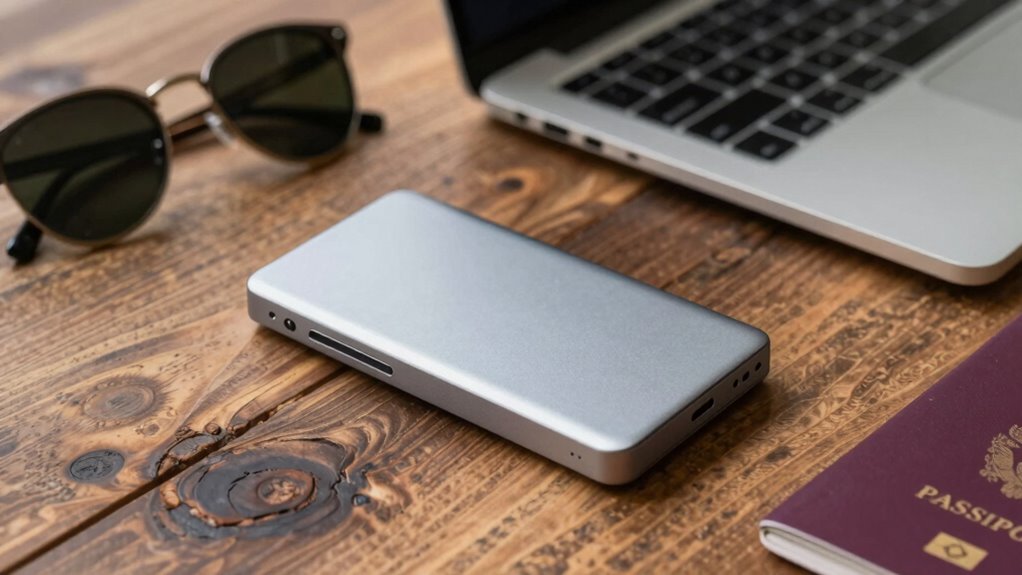
Are portable SSDs the best solution for quick, reliable data storage on the go? If you’re constantly traveling or working remotely, the answer is a resounding yes. These sleek devices offer fast transfer speeds, durability, and convenience that cloud storage alone can’t match. While cloud services are great for accessing files across multiple devices, they rely on internet connections and pose security concerns. Portable SSDs, on the other hand, give you immediate access to your data without the need for Wi-Fi, making them a dependable backup option when connectivity is spotty or unavailable.
One of the key advantages of portable SSDs is their ability to integrate seamlessly with cloud storage solutions. You can keep a copy of your most important files synced to the cloud for easy access, while also backing up those same files locally on your SSD. This hybrid approach ensures you’re covered in any scenario—whether you want quick access to recent edits or need to recover files from a lost device. Plus, many SSDs now come with advanced data encryption features, giving you peace of mind that your sensitive information stays protected. Encryption transforms your data into an unreadable format, making it nearly impossible for unauthorized users to access your files if the device is lost or stolen.
Seamlessly blend cloud syncing with local backups for maximum data security and quick access.
You’ll find that portable SSDs are designed with security in mind. Many models support hardware-based encryption, which works independently of your operating system and offers a higher level of protection than software solutions alone. When you’re traveling, this added security is vital, especially if your work involves confidential documents or personal information. By encrypting your data on the device itself, you prevent potential breaches, even if someone else gains physical access to your SSD. This combination of speed, convenience, and security makes portable SSDs an essential part of your backup routine.
Beyond security, portability is a major benefit. These drives are compact enough to fit in your pocket or bag, yet tough enough to withstand bumps and drops. You can easily carry a large library of files, high-resolution photos, or video projects without adding bulk. When combined with cloud storage, your portable SSD becomes a versatile tool that adapts to your needs—whether you’re working offline in remote locations or syncing files when back online. Additionally, the contrast ratio of your display can significantly impact how effectively you view and organize your files, especially in varying lighting conditions. Overall, integrating a portable SSD into your backup routine guarantees reliable, fast, and protected data access no matter where your travels take you.
portable SSD with hardware encryption
As an affiliate, we earn on qualifying purchases.
As an affiliate, we earn on qualifying purchases.
Frequently Asked Questions
How Long Do Portable SSDS Typically Last With Regular Use?
Portable SSDs typically last between 5 to 10 years with regular use, depending on durability testing and how often you write data. You should check the warranty coverage, as it offers a safety net if your drive fails prematurely. To maximize lifespan, avoid extreme temperatures and handle the device carefully. Regular backups also help guarantee your data’s safety, even if the SSD’s durability eventually declines.
Are There Compatibility Issues With Certain Devices or Operating Systems?
You might find it frustrating when your portable SSD doesn’t work smoothly with certain devices or OS. Luckily, most modern SSDs support popular operating systems like Windows, macOS, and Linux, ensuring broad device compatibility. However, some older devices or specialized operating systems may pose issues. Before buying, check the manufacturer’s specifications to confirm compatibility, so your backup routine stays seamless no matter where your travels take you.
What Is the Best Way to Securely Erase Data From an SSD?
To securely erase data from your SSD, start with data sanitization tools designed for SSDs, ensuring all data is thoroughly wiped. Then, use encryption methods like hardware-based encryption or secure erase commands to protect your information during the process. Always double-check that the data is unrecoverable before disposing of or repurposing your drive. This approach guarantees your sensitive data stays private and safe.
Can Portable SSDS Withstand Extreme Environmental Conditions?
Sure, portable SSDs are designed for durability testing and environmental resistance, but don’t expect them to survive a hurricane or a prolonged submersion. While they handle minor splashes, dust, and temperature swings better than you’d think, extreme conditions can still cause damage. So, if you plan to take yours on adventures, choose a rugged model and remember that even the toughest tech has its limits.
How Do I Determine the Right Storage Capacity for My Needs?
To determine the right storage capacity, start with your storage estimation based on the types and sizes of files you’ll handle. Consider capacity planning by adding extra space for future needs and backups. If you work with high-resolution videos or large data sets, opt for a larger SSD. For casual use, a smaller capacity might suffice. Always choose a size that balances your current needs with potential growth.
Conclusion
Don’t let fears of data loss hold you back—portable SSDs are reliable, durable, and easy to use on the go. They’re built to withstand travel bumps and drops, so you can confidently back up your files anytime, anywhere. Investing in one means peace of mind, knowing your important data is safe no matter where your adventures take you. Stay protected, stay connected, and make portable SSDs your essential travel companion.