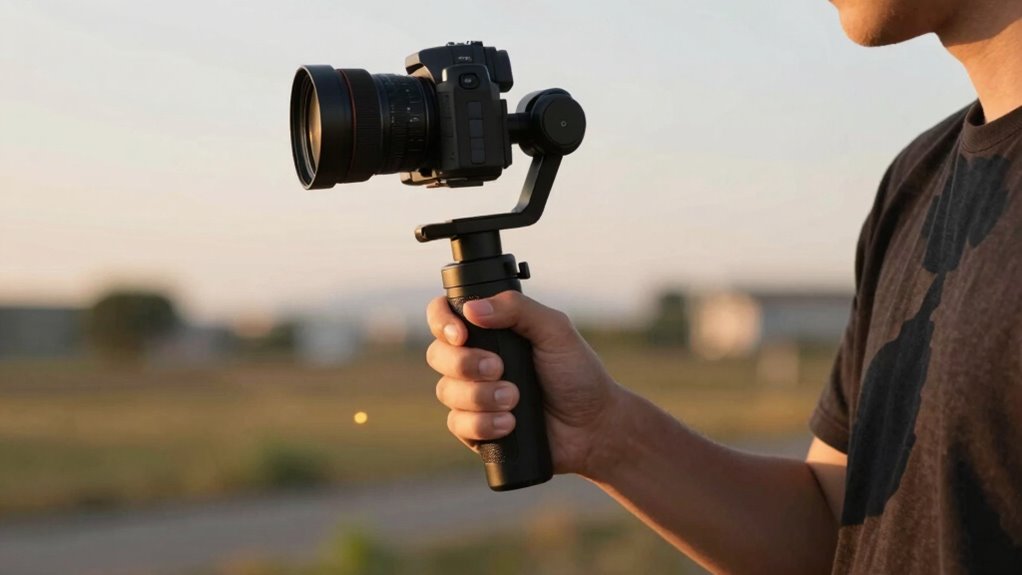

The biggest mistake that ruins smooth footage with a gimbal is sudden, jerky movements or abrupt stops. Quick, unplanned turns and harsh pauses cause shake and jittering in your shots, making them look unprofessional. Moving too fast or stopping suddenly prevents the gimbal from stabilizing properly. To maintain smooth footage, focus on slow, controlled movements and fluid progressions. Keep practicing these techniques, and you’ll discover more tips to improve your filming skills.
Key Takeaways
- Sudden jerky movements or quick transitions can cause jittery footage, ruining smoothness.
- Abrupt stops or sharp changes in direction disrupt the gimbal’s stabilization.
- Moving too quickly without control introduces unwanted shake and jitter.
- Over-rotating or improper panning can cause unstable, shaky shots.
- Forgetting to maintain steady posture and support increases the risk of footage ruin.

If you’re new to videography or photography, gimbals can seem intimidating at first, but they are essential tools for capturing smooth, professional-looking footage. The key to achieving that polished look lies in effective camera stabilization, which is what gimbals excel at providing. When you’re just starting out, mastering handheld techniques alongside your gimbal can make a significant difference in the quality of your footage. Many beginners underestimate how much slight movements can ruin otherwise steady shots, so understanding the fundamentals of camera stabilization is vital. Proper stabilization techniques can help you maximize your gimbal’s performance and produce more professional results.
Using a gimbal properly involves more than just attaching your camera and hitting record. You need to develop a feel for the device, learning how to balance it correctly and move smoothly through different shots. Handheld techniques become especially important because, even with a gimbal, your body movements can influence the overall stability. For example, standing with your feet shoulder-width apart, bending your knees slightly, and holding the gimbal close to your body helps minimize unwanted shake. When walking or moving around, maintaining a relaxed posture allows the gimbal’s motors to do their job more effectively, keeping your footage steady.
Balance your gimbal, move smoothly, and maintain relaxed posture for steady footage.
As you practice, focus on smooth, deliberate movements. Avoid jerky motions, which are the most common mistakes that ruin otherwise stable footage. Instead, imagine your camera as an extension of your eyes—move slowly and purposefully. When you’re panning, try to rotate your shoulders rather than just your wrists to keep the movement fluid. For tracking shots, walk naturally and let the gimbal absorb the minor shakes, rather than trying to force your body to stay perfectly still. This approach helps you harness the full potential of your device’s camera stabilization capabilities.
Another effective handheld technique is to use your environment for support. Leaning against a wall or placing your elbows against your body can provide extra stability. If you’re shooting at a low angle, kneeling or crouching can help maintain control. Also, keep your movements smooth and continuous; abrupt stops or changes in direction tend to produce jittery footage. Remember, the goal is to make your movements as seamless as possible while letting the gimbal do the heavy lifting in stabilizing your camera.
handheld camera stabilizer for beginners
As an affiliate, we earn on qualifying purchases.
As an affiliate, we earn on qualifying purchases.
Frequently Asked Questions
How Do I Balance My Camera on a Gimbal?
To balance your camera on a gimbal, start with proper camera alignment by placing it in the center of the gimbal. Adjust the balance until the camera stays level when you let go, then fine-tune the balance adjustment knobs for each axis. Make sure the camera isn’t leaning or tilting, and check stability. Proper balancing ensures smooth footage and prevents motor strain during operation.
What Is the Ideal Weight Limit for Beginner Gimbals?
The ideal weight limit for beginner gimbals typically ranges from 2 to 3.5 pounds, depending on the model. You should check the gimbal’s weight capacity to guarantee it can handle your camera and accessories comfortably. Look for a gimbal with sufficient motor strength to support your gear without straining the motors, which helps maintain smooth footage and prolongs the device’s lifespan. Always stay within the recommended weight limit for peak performance.
How Do I Troubleshoot Gimbal Calibration Issues?
When troubleshooting gimbal calibration issues, start by updating the gimbal firmware to guarantee it runs smoothly. Next, reset the calibration settings and follow the manufacturer’s calibration troubleshooting guide carefully. Make sure your gimbal is on a stable surface and free of vibrations during calibration. If problems persist, disconnect and reconnect the batteries, then recalibrate. Regular firmware updates and proper calibration troubleshooting help maintain peak gimbal performance.
Can I Use a Smartphone With a Gimbal for Professional Videos?
Yes, you can use a smartphone with a gimbal for professional videos. Smartphone stabilization has improved greatly, enabling smooth mobile filmmaking. Make sure your gimbal supports your phone’s size and weight, and calibrate it properly for peak results. With steady footage and advanced features like manual controls, you can achieve professional-quality videos, making your smartphone a powerful tool for mobile filmmaking.
What Safety Precautions Should I Take When Operating a Gimbal?
When operating a gimbal, you should prioritize fire safety by avoiding exposure to flammable materials and keeping a fire extinguisher nearby. Handle batteries carefully—don’t puncture or expose them to extreme heat, and always use chargers recommended by the manufacturer. Guarantee the gimbal is on a stable surface during setup, keep an eye on battery levels, and disconnect batteries when not in use to prevent overheating. These precautions keep you safe and ensure smooth footage.
Conclusion
Just like Icarus who flew too close to the sun, you might find yourself risking smooth footage by rushing into gimbal use without practice. Remember, mastery takes patience—every misstep is a step closer to perfect shots. So, take your time, learn the basics, and don’t let the allure of instant results lead you astray. With patience and practice, your footage will soar smoothly, reaching heights worthy of the gods themselves.