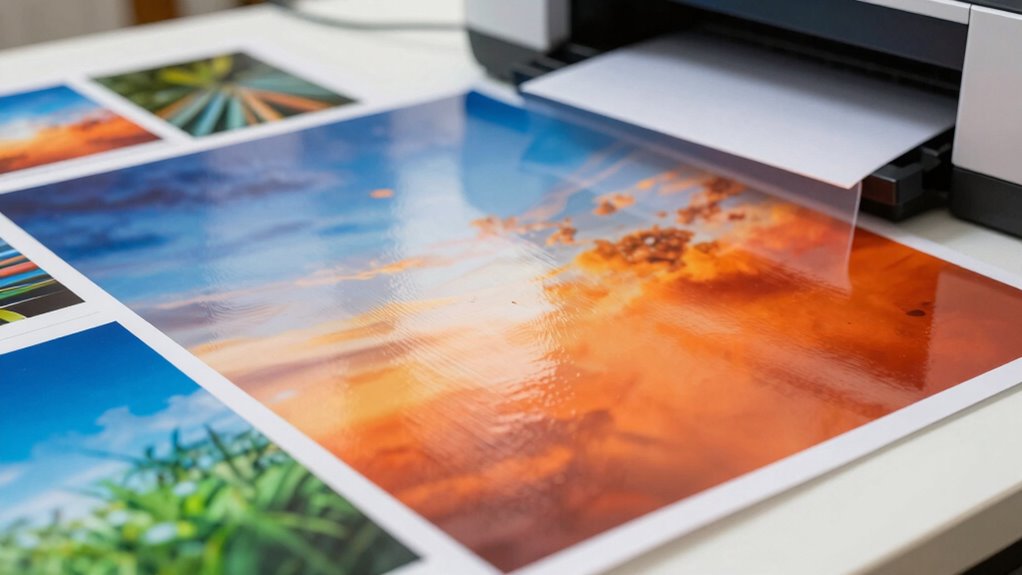

Choosing the right photo paper can truly transform your home prints from average to professional-looking. Glossy paper makes images pop with vibrant colors and sharp details, while matte reduces glare for a more understated, framing-ready finish. Luster offers a balanced shine, and textured papers add an artistic touch. Your choice affects durability and overall quality, so selecting the best for your project is essential. Keep exploring to discover how to optimize your prints further.

Get travel and outdoor gear delivered free with Prime
- Fast, free delivery on millions of items
- Prime Video, Amazon Music and more included
- Member-only deals all year
Key Takeaways
- Choose glossy paper for vibrant, sharp photos, ideal for displays and framing.
- Use matte paper to reduce glare and achieve a professional, non-reflective finish.
- Select luster or semi-gloss paper for a balance of color richness and glare reduction.
- Opt for watercolor or canvas papers to add texture and artistic feel to prints.
- Always set printer to the correct paper type and high-quality mode for optimal results.
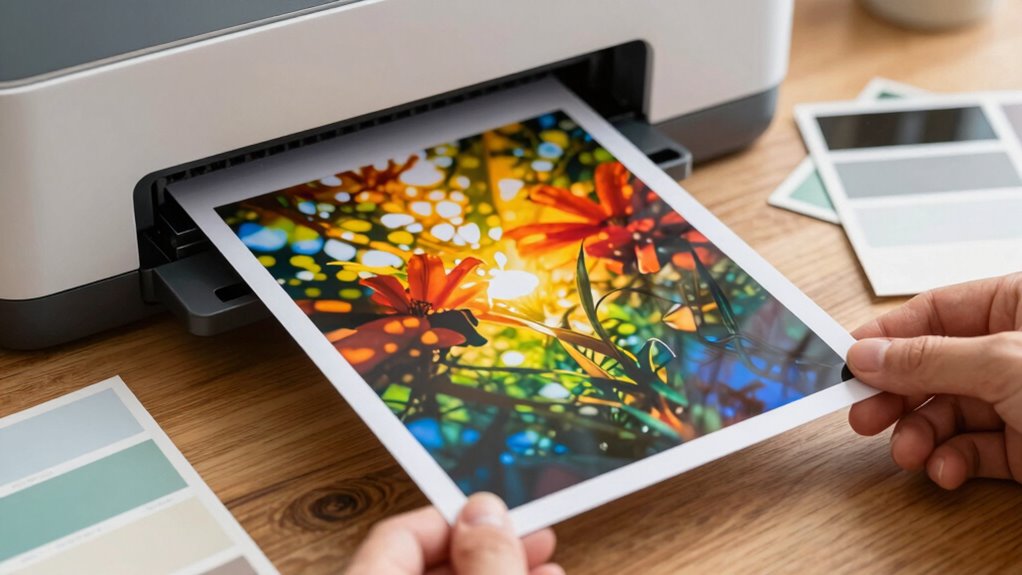
Printing photos at home has become easier and more convenient than ever. With the right approach, you can produce professional-looking images without leaving your house. One of the most important decisions you’ll make is choosing the right photo paper types. The paper you select can dramatically influence the final look of your photos, affecting color vibrancy, sharpness, and durability. Glossy paper offers a shiny finish that’s perfect for vibrant colors and detailed images, making your photos pop. Matte paper, on the other hand, provides a non-reflective surface that reduces glare and is ideal for framing or displaying in well-lit areas. There’s also luster or semi-gloss paper, which strikes a balance between glossy and matte, offering rich color with less glare. For fine art or archival prints, you might consider watercolor or canvas-type papers, which lend a textured, artistic feel to your prints. Knowing which photo paper types suit your project guarantees your photos look as good in print as they do on screen.
Once you’ve chosen your paper, applying some print quality tips can make a significant difference. First, always check your printer settings before printing. Set your printer to the highest quality mode, and select the appropriate paper type from the menu—this helps the printer optimize ink flow for the best results. Keep your printer’s nozzles clean to prevent streaks or uneven ink distribution, and always use fresh ink cartridges, as old or low ink can affect color accuracy and sharpness. When preparing your digital images, calibrate your monitor to ensure your colors are accurate, and adjust brightness and contrast settings if necessary. It’s also a good idea to print a test photo on plain paper to check color balance and composition before using your premium photo paper. Use high-resolution images, ideally 300 dpi or higher, to avoid pixelation and ensure sharp, detailed prints. Handling your photo paper with care—avoiding fingerprints and dust—can prevent blemishes and preserve print quality. Additionally, choosing the right photo paper type for your specific project can significantly impact the final outcome. Once you’ve printed your photo, give it time to dry completely before handling or framing, especially if you’re using glossy or semi-gloss papers, which can smudge easily.
In essence, your choice of photo paper types combined with smart print quality tips can elevate your home printing experience. By understanding what each paper type offers and fine-tuning your printer settings, you ensure your photos come out vibrant, sharp, and long-lasting. With practice, you’ll develop an eye for what works best for different images and projects, turning your home printer into a powerful tool for creating stunning photos every time.
glossy photo paper for home printing
As an affiliate, we earn on qualifying purchases.
As an affiliate, we earn on qualifying purchases.
Frequently Asked Questions
What Printer Settings Optimize Photo Quality on Different Paper Types?
To enhance photo quality, you should select the correct printer settings based on your paper type. Adjust ink compatibility to guarantee vibrant, accurate colors, and match the paper weight for ideal absorption and print sharpness. Use high-resolution settings for detailed images, and select the appropriate paper type in your printer menu. These adjustments help produce professional-looking photos with rich colors and crisp details on different paper types.
How Does Paper Texture Affect Color Accuracy in Printed Photos?
Imagine your photo’s colors dancing beautifully, but textured paper can subtly influence this. The surface reflectivity impacts how light bounces, while ink absorption varies with texture, slightly shifting color accuracy. A smooth, glossy surface enhances vividness and true-to-life hues, whereas textured paper might soften or alter the appearance. To keep your images stunning, choose paper with a balanced surface that complements your desired outcome and minimizes unintended color shifts.
Can Special Coatings on Paper Improve Image Longevity?
Special coatings on photo paper can definitely improve image longevity by protecting prints from moisture, UV rays, and scratches. Heavier photo paper weight provides durability, while coatings help control ink absorption rates, preventing smudging and fading over time. When you choose coated paper, your photos stay vibrant longer, making your prints more resistant to damage. This combination guarantees your images remain sharp and beautiful for years to come.
What Are the Best Storage Conditions for Printed Photos?
You should store your printed photos in a cool, dark place with stable temperature and humidity control, ideally between 30-50% relative humidity. Use archival storage materials like acid-free albums and sleeves to prevent deterioration. Keep photos away from direct sunlight, heat sources, and moisture, which can cause fading and damage over time. Proper storage maintains your memories and ensures they stay vibrant for generations.
How Do Environmental Factors Impact Photo Print Durability?
Environmental factors like light, humidity, and temperature can considerably affect your photo print’s durability. Exposure to direct sunlight causes fading, while high humidity can lead to mold and warping. Using eco-friendly inks helps preserve color vibrancy longer, and choosing sustainable paper options supports paper recycling efforts. To protect your photos, keep them in a cool, dark, and dry place, ensuring they stay vibrant and intact for years to come.
Conclusion
Choosing the right paper transforms your home photo printing from a simple task to an artful experience. It’s like stepping into a modern gallery, where every print feels as vibrant as a da Vinci masterpiece. With the perfect paper, your memories gain depth and life, making each photo a treasured keepsake. So, don’t settle for a mere snapshot—treat your images like a true Renaissance artist, and watch them come alive with stunning clarity and warmth.
Evergreen bestsellers Picks
bestsellers
As an affiliate, we earn on qualifying purchases.