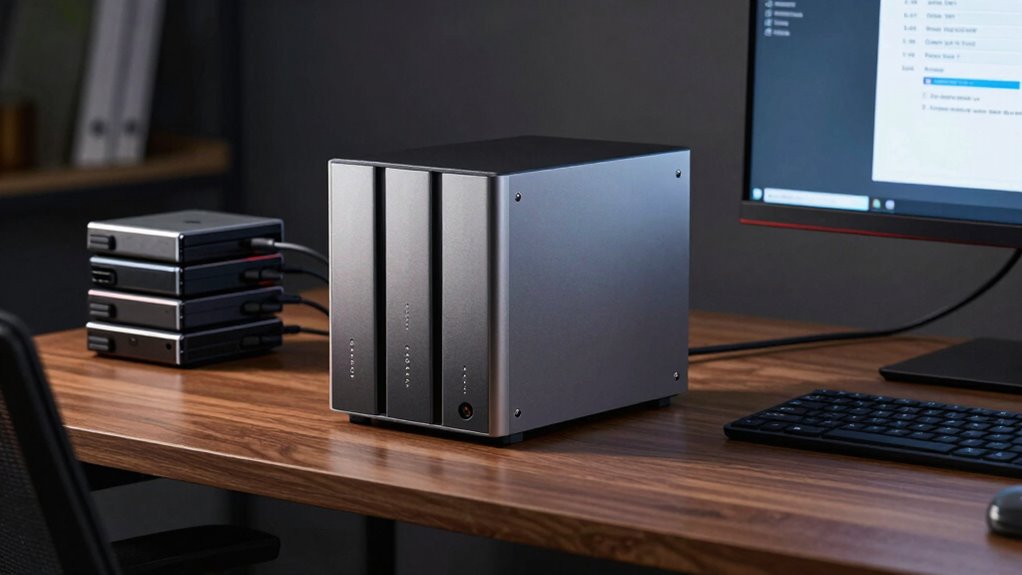

Using a NAS device alone puts your data at risk from hardware failures, theft, or disasters. To truly safeguard your information, you need a real backup plan that includes cloud integration, encryption, and regular testing. This layered approach ensures your data stays safe, recoverable quickly, and protected from cyber threats. If you want to learn how to build a resilient backup strategy that maximizes your NAS’s potential, keep going.

Get travel and outdoor gear delivered free with Prime
- Fast, free delivery on millions of items
- Prime Video, Amazon Music and more included
- Member-only deals all year
Key Takeaways
- Relying solely on NAS risks data loss from hardware failure, theft, or disasters without additional backup measures.
- Integrating cloud backups with NAS provides extra data redundancy and remote recovery options.
- Encryption during transfer and storage protects sensitive data, reducing security vulnerabilities.
- Regular testing and updates ensure backup reliability and safeguard against cyber threats.
- A comprehensive backup plan ensures quick recovery and ongoing data integrity beyond NAS capabilities.
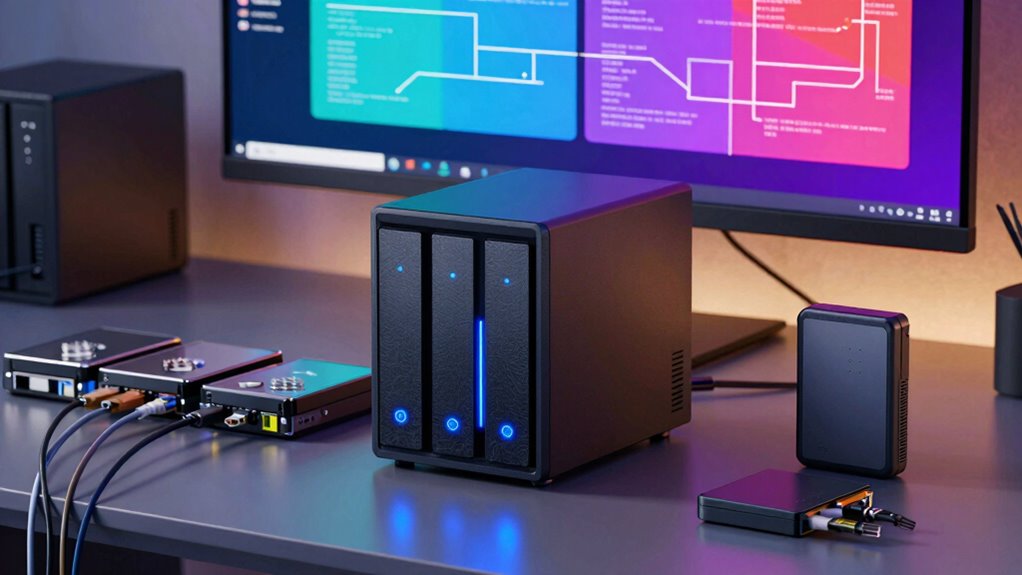
In today’s data-driven world, having a reliable backup plan is essential, and Network-Attached Storage (NAS) systems offer a practical solution for safeguarding your files. But simply owning a NAS isn’t enough—you need a comprehensive backup strategy to truly protect your data. Relying solely on the NAS device itself leaves you vulnerable to hardware failures, theft, or disasters. That’s why integrating your NAS with a robust backup plan is critical. Cloud integration plays a key role here, allowing you to automatically sync vital data to a secure cloud service. This setup ensures that even if your physical NAS is compromised, your files remain safe and accessible from anywhere. Cloud backups also provide an additional layer of protection against ransomware and other cyber threats, which can encrypt or delete local files. Incorporating cloud services into your backup plan adds flexibility and peace of mind, making your data recovery process faster and more reliable.
Equally important is data encryption. When you transfer data between your NAS and the cloud, encryption safeguards sensitive information against unauthorized access. Many NAS devices come with built-in encryption features, allowing you to encrypt your files before they leave your network. This means your data remains protected during transit and while stored in the cloud, even if someone intercepts it. Without proper encryption, your backups could become a security vulnerability, exposing personal or business-critical information. Implementing data encryption as part of your backup routine ensures compliance with privacy standards and reduces the risk of data breaches. Additionally, understanding the significance of data redundancy can help ensure your backup strategy is comprehensive and resilient, providing multiple copies across different locations. Regularly reviewing your backup procedures and testing recovery options is essential to confirm your strategy’s effectiveness. Conducting backup testing regularly can help identify potential issues before they impact your data recovery efforts.
A real backup plan also involves regular testing and updates. You can’t just set it and forget it; you need to verify that your backups work correctly and restore files when needed. Automation tools can help schedule backups, ensuring they happen consistently without manual intervention. Also, keeping your NAS firmware and backup software up to date enhances security and performance. Combining these practices with cloud integration and encryption creates a layered defense for your data, significantly reducing potential data loss. Furthermore, recognizing the importance of disaster recovery planning can ensure your data protection strategy is truly robust and prepared for unforeseen events.
Ultimately, a NAS system offers a solid foundation for local storage, but it’s only part of a complete backup plan. By leveraging cloud integration and data encryption, you greatly enhance your data’s resilience and security. This comprehensive approach ensures that your files are protected from multiple threats, providing confidence that your data remains safe, accessible, and recoverable whenever you need it. Without a true backup plan that includes these critical elements, your NAS’s effectiveness diminishes, leaving your valuable information vulnerable to unforeseen events. Ensuring you understand and implement backup best practices can make a significant difference in your data protection efforts.
As an affiliate, we earn on qualifying purchases.
Frequently Asked Questions
Can a NAS System Protect Against Ransomware Attacks?
A NAS system alone can’t fully protect you against ransomware attacks. To defend effectively, you need offsite storage options to keep backups safe elsewhere. Implement encryption strategies to secure your data from unauthorized access, reducing risks if ransomware strikes. Regularly updating your security protocols and maintaining multiple backups ensures your data stays protected, even if your NAS system gets compromised. This layered approach is essential for thorough ransomware defense.
How Often Should I Back up My NAS Data?
Think of your data like a treasure chest—regular backups keep it safe. You should back up your NAS data at least once a week, depending on how often you add or change files. Use data encryption during backups to protect sensitive info. For critical data, consider daily backups or real-time syncs. This way, you’re prepared for anything, like a sudden dragon attack or hardware failure, keeping your data secure and accessible.
What Are the Costs Associated With Maintaining a Backup Plan?
The costs associated with maintaining a backup plan include hardware, storage media, and potential cloud service fees. Conducting a thorough cost analysis helps you balance backup frequency with expenses, ensuring you don’t overspend while keeping your data safe. Regular backups might increase costs, but they’re essential for data protection. You’ll need to factor in these ongoing expenses to develop a sustainable backup strategy that aligns with your budget and data recovery needs.
Is Cloud Backup Necessary if I Have a NAS?
Think of your NAS as a fortress for your data, but even the strongest walls need reinforcement. Cloud backup isn’t optional; it adds essential cloud integration and data redundancy, ensuring that if your NAS faces a disaster, your files survive elsewhere. Relying solely on local storage is risky. With cloud backup, you gain an extra layer of protection, giving you peace of mind and safeguarding your digital treasures.
How Do I Verify My Backup’s Integrity?
To verify your backup’s integrity, regularly perform backup verification by restoring some files to make sure they’re intact and uncorrupted. Check data redundancy by comparing backup copies with your original data to confirm consistency. Automate scheduled tests if possible, and keep an eye out for error reports or failed backups. This proactive approach helps catch issues early, ensuring your backup remains reliable and your data stays protected.
Conclusion
So, you’ve got your shiny NAS system, ready to keep all your precious data safe. But remember, relying solely on it is like building a castle on sand—pretty, but easily washed away. Without a proper backup plan, you’re just one unlucky power surge or cyberattack away from losing everything. Don’t be that person who learns the hard way. Backup isn’t optional; it’s your safety net. Otherwise, that NAS is just a fancy paperweight.
Halloween Picks
halloween
As an affiliate, we earn on qualifying purchases.