
To set your smart home to vacation mode, start by activating the automation that adjusts your security cameras, lights, and thermostats simultaneously. Program your smart thermostats to lower the temperature, and schedule your lights to turn on and off randomly to mimic occupancy. Make certain your cameras are active and set to record motion or continuously for added security. Once you coordinate these settings, you’ll keep your home safe and save energy. Keep going to discover more ways to optimize your setup.

Get travel and outdoor gear delivered free with Prime
- Fast, free delivery on millions of items
- Prime Video, Amazon Music and more included
- Member-only deals all year
Key Takeaways
- Activate vacation mode through your smart home app with a single tap or voice command.
- Ensure all security cameras are enabled and set to record during your absence.
- Program thermostats and lights to mimic occupancy and optimize energy use.
- Customize automation schedules for different days or times before leaving.
- Monitor your home remotely and adjust settings as needed for peace of mind.
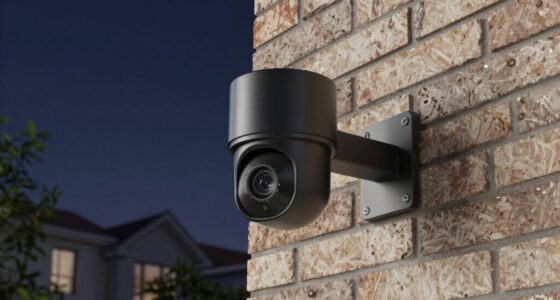
When you’re planning a vacation, setting your smart home to Vacation Mode can provide peace of mind and save energy. This feature allows you to automate various systems so your home appears occupied while you’re away, deterring potential intruders and reducing unnecessary energy use. One of the key components to focus on is your security cameras. Before you leave, ensure they’re activated and set to record continuously or on motion detection. This way, you can monitor your property remotely, giving you peace of mind that everything’s secure. Many smart security systems also let you create schedules or set specific alerts, so you’re notified of any unusual activity. Adjusting the camera angles or disabling certain cameras temporarily can also help conserve power, especially if you’re not monitoring live feeds constantly.
In addition to security cameras, optimizing energy efficiency is a major benefit of Vacation Mode. Once you activate this setting, your smart thermostat can be programmed to lower the temperature, reducing heating or cooling when you’re not home. This not only cuts down on energy bills but also minimizes wear and tear on HVAC systems. Similarly, you can schedule smart lights to turn on and off in different rooms, mimicking normal occupancy patterns. This prevents your home from appearing empty and helps conserve electricity. Some smart lighting systems even allow you to set random lighting schedules, making it look like someone is home even when you’re away for an extended period. Incorporating smart home automation can streamline this process, allowing all systems to work together seamlessly.
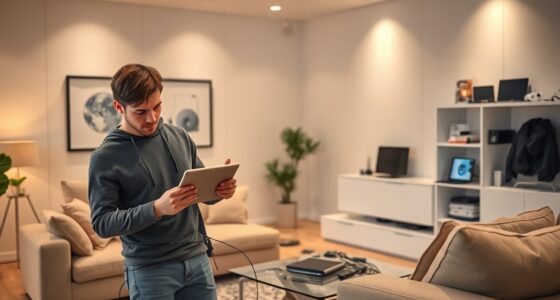
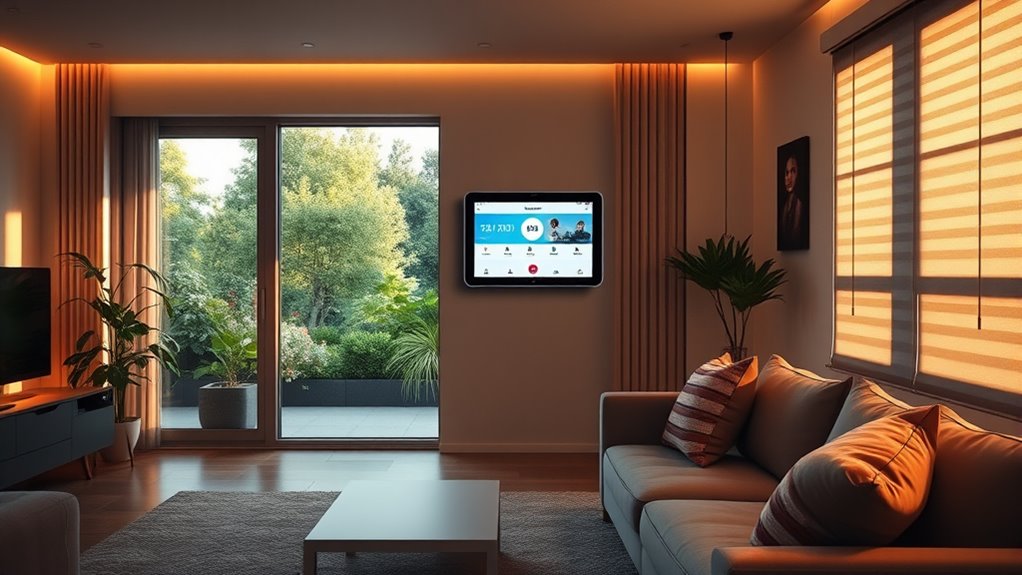
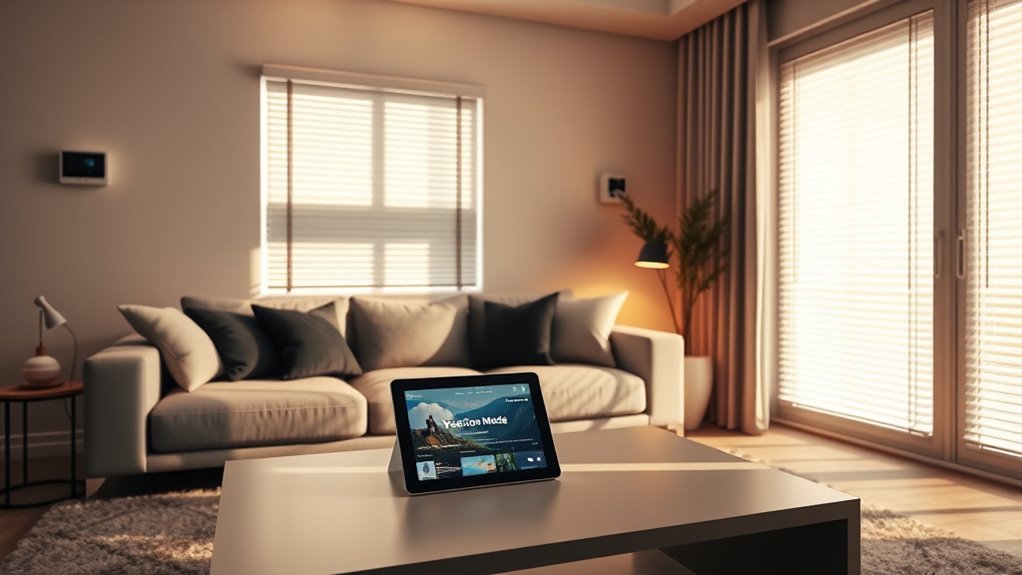
Smart home technology makes it easy to manage these adjustments remotely, so you don’t have to worry about forgetting to turn things off or on before you leave. With just a few taps on your smartphone, you can activate Vacation Mode, ensuring your security cameras are recording, your lights are set, and your energy consumption is optimized. This setup not only provides safety but also helps you save money by reducing unnecessary energy use during your absence. Plus, many systems allow you to customize settings for different days or times, so you can fine-tune your home’s behavior based on your schedule.
smart home vacation mode automation
As an affiliate, we earn on qualifying purchases.
As an affiliate, we earn on qualifying purchases.
Frequently Asked Questions
Can I Customize Vacation Mode for Different Rooms?
Yes, you can customize vacation mode for different rooms. Most smart home systems offer room-specific settings, allowing you to tailor the automation to each space’s needs. With customization options, you can control lighting, temperature, and security devices individually, ensuring your home stays comfortable and secure while you’re away. This flexibility helps you save energy and maintain the desired ambiance in every room during your vacation.
How Does Vacation Mode Affect Home Security Systems?
Think of vacation mode as your home’s silent guardian, symbolizing trust and peace of mind. When activated, it adjusts your home security and automation settings to deter intruders and conserve energy. It might turn on lights randomly, lock doors, and activate alarms, creating the illusion of occupancy. This mode guarantees your home remains protected even when you’re away, giving you confidence that your security system is working seamlessly in the background.
Is It Possible to Automate Vacation Mode Based on Weather?
Yes, you can automate vacation mode based on weather conditions. Your smart home system can use weather automation to detect temperature or forecast changes, triggering vacation mode to adjust climate control accordingly. This means your home stays comfortable and energy-efficient without manual input. You’ll enjoy peace of mind knowing your smart home adapts seamlessly to weather shifts, maintaining security and comfort while you’re away.
How Long Can Vacation Mode Be Active Without Issues?
Vacation mode can typically stay active for several days to weeks, depending on your smart home system’s capabilities. However, you should monitor the vacation mode duration to avoid potential security risks, like leaving your home too long without updates or adjustments. It’s best to set a specific timeframe and review it regularly, ensuring your system remains secure and functions properly while you’re away.
Can I Receive Alerts if Something Unusual Happens During Vacation Mode?
Absolutely, you can stay in the loop with security alerts during vacation mode. By customizing your notification settings, you’ll receive timely updates if something unusual occurs. Think of it as having a vigilant guardian watching over your home, alerting you to any unexpected activity. This way, you enjoy peace of mind, knowing that your smart home keeps you informed and protected, no matter where you are.
Conclusion
Set your smart home to vacation mode and savor the safety, security, and serenity it brings. Simplify your schedule, safeguard your space, and sleep soundly knowing your home is taken care of. With just a few clicks, you’re creating a carefree, controlled, and comfortable getaway. So, switch, set, and relax—your smart home’s vacation mode makes managing your home simple, secure, and stress-free. Embrace ease and enjoy every moment of your well-deserved break!
Halloween Picks
halloween
As an affiliate, we earn on qualifying purchases.