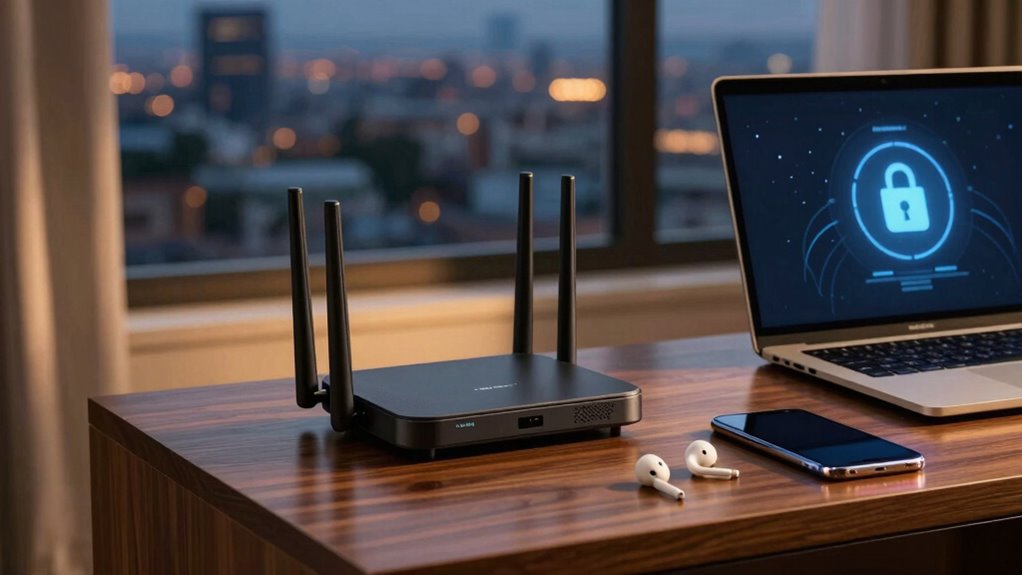

Using a travel router can make hotel Wi-Fi feel much safer by creating a personal, secure network. You connect the router to the hotel’s Wi-Fi, and it encrypts your data, protecting sensitive information like passwords and emails. Plus, it turns your devices into a private hotspot, reducing cyber threats. Many models are compatible with your smartphone or tablet and are easy to set up. Keep going to discover how this simple trick can boost your digital security even more.

Get travel and outdoor gear delivered free with Prime
- Fast, free delivery on millions of items
- Prime Video, Amazon Music and more included
- Member-only deals all year
Key Takeaways
- Use a travel router to create a secure, private Wi-Fi network, preventing direct exposure to hotel or public Wi-Fi risks.
- Encrypt data with the travel router’s security protocols to protect sensitive information from cyber threats.
- Avoid logging into insecure hotel Wi-Fi directly by connecting your devices to the travel router instead.
- Enable firewall and dual-band support on the travel router for enhanced security and better performance.
- Simplify multiple device connections through the travel router, reducing the need for repeated logins and potential vulnerabilities.
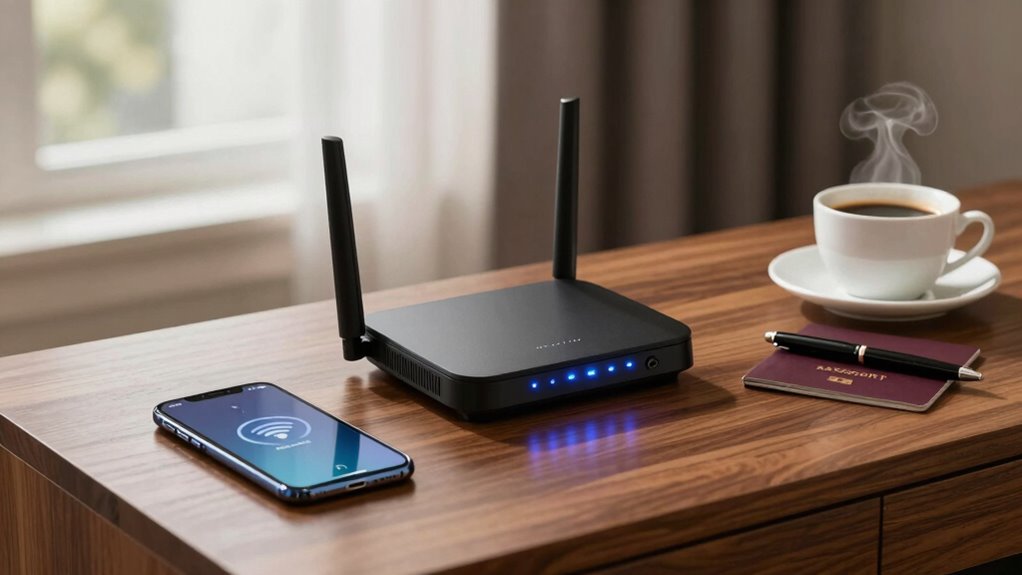
When you’re traveling and relying on public Wi-Fi, a travel router can be a game-changer. It transforms a risky hotel or café connection into a safer, more secure network for all your devices. Instead of connecting each device separately to potentially unprotected networks, you can use the travel router to create your own secure Wi-Fi hotspot. This setup not only simplifies your connectivity but also considerably boosts your digital security. By encrypting your data through the router, you shield your personal information from cyber threats lurking on public networks. This is especially crucial when handling sensitive data like passwords, banking details, or work emails.
One of the key advantages of using a travel router is device compatibility. Modern travel routers are designed to work seamlessly with a variety of gadgets—smartphones, tablets, laptops, and even smart home devices. Whether you’re using an Android or iOS device, most travel routers support the necessary Wi-Fi standards and security protocols. This means you won’t have to worry about whether your device will connect properly or if it will be compatible with the router’s features. Setting up the router is usually straightforward, with many models offering user-friendly interfaces or companion apps that guide you through the process. Once connected, your devices can access the internet securely, without the need for multiple login credentials or risking exposure on public networks. Using a secure connection, especially when traveling, is essential for protecting your personal information.
Additionally, many travel routers now support encryption protocols, further enhancing your security when using public Wi-Fi. Many models also support dual-band Wi-Fi, which allows you to switch between different frequency bands for better performance and less congestion. Understanding public Wi-Fi vulnerabilities can help you make more informed decisions about your online safety while traveling. Moreover, some travel routers include features like firewall protection, which adds an extra layer of security by monitoring and controlling incoming and outgoing network traffic.
travel Wi-Fi router with security features
As an affiliate, we earn on qualifying purchases.
As an affiliate, we earn on qualifying purchases.
Frequently Asked Questions
Can I Use a Travel Router With Any Hotel Wi-Fi Network?
Yes, you can usually use a travel router with any hotel Wi-Fi network, but check device compatibility first. Many travel routers work with standard Wi-Fi setups, but some may need a travel adapter if the power outlets differ. Confirm your device supports the Wi-Fi frequency used by the hotel. Using a travel router helps secure your connection and share it with multiple devices, making your stay safer and more convenient.
Is Setting up a Travel Router Complicated for Non-Tech-Savvy Travelers?
Setting up a travel router isn’t complicated for non-tech-savvy travelers if you choose a device with good setup simplicity and clear instructions. Most modern travel routers have user-friendly interfaces and compatibility with various devices, making installation straightforward. You typically just connect it to the hotel Wi-Fi, follow a few simple steps, and you’re good to go. With a little patience, you’ll find the setup process manageable and worth the added security.
Will Using a Travel Router Slow Down My Internet Speed?
Using a travel router might slightly impact your internet speed, but it generally doesn’t cause noticeable slowdowns if you choose a device with good travel bandwidth and guarantee it’s compatible with your hotel’s Wi-Fi. It acts as a local hub, so your device’s connection remains stable. To keep speeds ideal, pick a travel router that’s compatible with your device and offers strong bandwidth support.
Are There Security Risks When Connecting Through a Travel Router?
Yes, there are security risks when connecting through a travel router, but you can minimize them by choosing strong encryption protocols like WPA3. Public network risks remain, as hotel Wi-Fi can be vulnerable to hacking. Using your travel router creates a secure, private connection, reducing exposure to threats. Always update your router’s firmware and avoid transmitting sensitive information on unsecured networks to stay protected.
How Does a Travel Router Enhance My Online Privacy?
You enhance your online privacy considerably with a travel router. Studies show public Wi-Fi networks are vulnerable, with over 60% of travelers experiencing security issues. A travel router uses encryption protocols to secure your data and firewall configurations to block malicious traffic. This setup creates a private, protected network, making it harder for hackers to intercept your information and ensuring you surf the web safely, even in risky hotel or cafe Wi-Fi zones.
Conclusion
So, next time you plug into hotel Wi-Fi, remember this travel router trick—it’s your shield in a sea of digital sharks. Think of your router as a lighthouse guiding your data safely home, cutting through the fog of potential threats. With this simple setup, you’ll enjoy a smoother, safer connection, turning a risky voyage into a secure adventure. Trust me, it’s the secret weapon every traveler needs in their digital toolkit.
Fall Picks
fall essentials
As an affiliate, we earn on qualifying purchases.