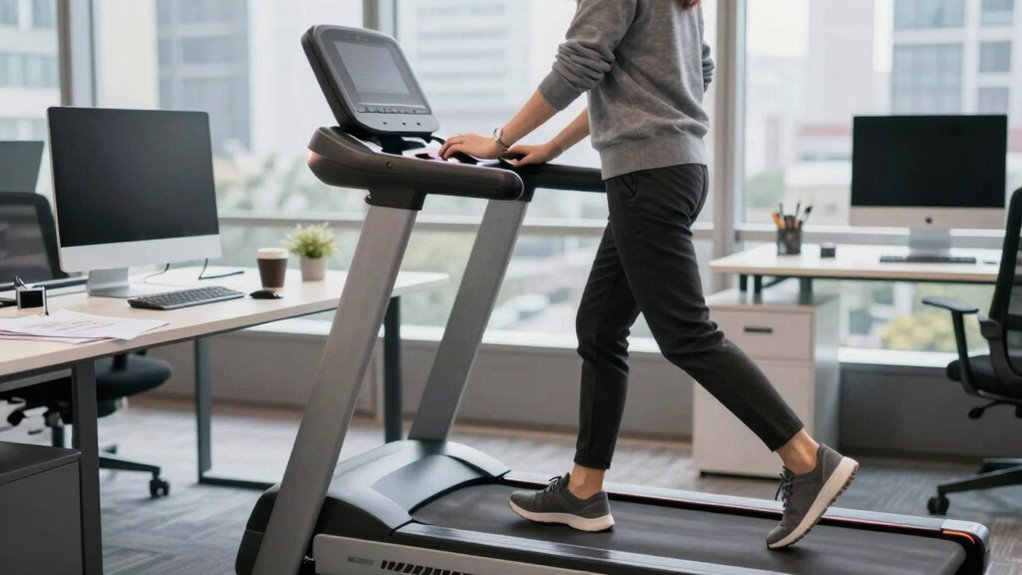

To walk comfortably at a treadmill desk without typing like a toddler, start by setting your treadmill to a slow, steady pace of 1-2 mph. Keep your wrists straight and monitor your screen at eye level to avoid strain. Use speech-to-text for longer writing tasks and take breaks to stretch and reset. Pacing yourself and adjusting your setup can help you work smoothly—continue exploring, and you’ll discover more tips to optimize your workflow.
Key Takeaways
- Use speech-to-text software to reduce the need for typing while walking.
- Maintain a slow, steady pace (1-2 mph) to stay comfortable and avoid multitasking challenges.
- Keep wrists and monitor at eye level to prevent strain, focusing on ergonomics during walking.
- Reserve complex typing tasks for sitting periods to improve accuracy and reduce frustration.
- Develop a consistent rhythm and take breaks to reset posture, ensuring smoother walking and working.
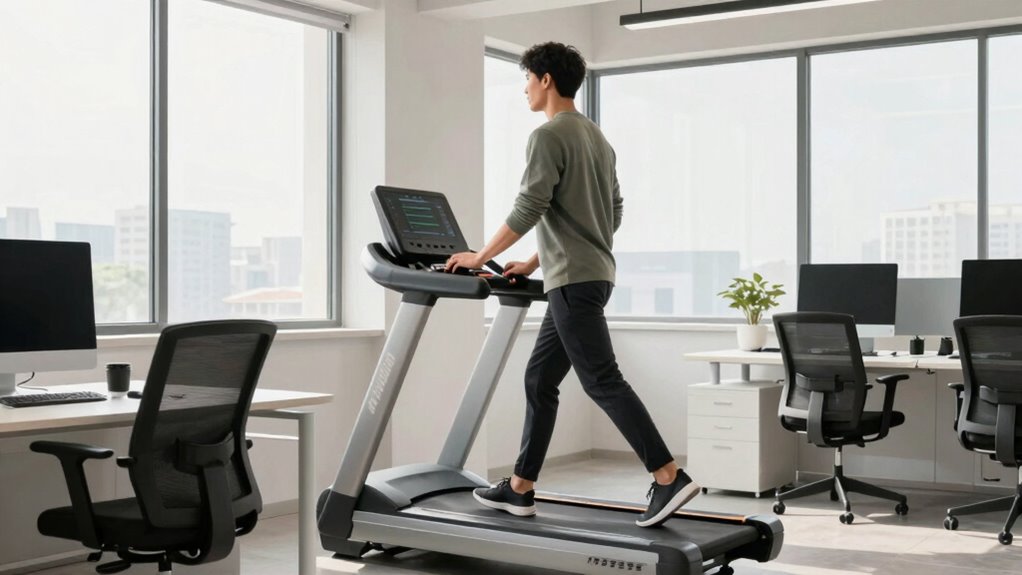
Treadmill desks are transforming the way people work by allowing you to stay active while sitting at your workstation. Rather than remaining sedentary for hours, you can walk gently while typing, reading, or attending virtual meetings. This setup not only helps combat the health risks associated with prolonged sitting but also offers ergonomic benefits that can improve your overall comfort and reduce strain. When used correctly, a treadmill desk can promote better posture, minimize back pain, and increase circulation, making your workday healthier and more sustainable.
To get the most out of your treadmill desk, it’s essential to incorporate some productivity tips. Start by adjusting the treadmill speed to a slow, comfortable pace—ideally between 1 to 2 miles per hour—so you can maintain focus without feeling overwhelmed. As you walk, keep your wrists straight and your monitor at eye level to avoid neck and shoulder strain. Using ergonomic accessories like an adjustable keyboard tray and an ergonomic mouse can also help maintain proper alignment, ensuring that your body stays in a healthy position even as you move. Additionally, understanding ergonomic principles can help you set up your workspace effectively and prevent discomfort.
While walking and working simultaneously might seem tricky at first, practice is key. Begin by walking during less demanding tasks, such as reviewing emails, listening to podcasts, or brainstorming ideas. Over time, you’ll develop a rhythm that allows you to type and navigate smoothly without losing focus. Remember to take short breaks to stretch and reset your posture regularly—this prevents fatigue and keeps your body comfortable. If you find yourself struggling, consider using speech-to-text software for longer writing sessions, which reduces the amount of typing required while still keeping you productive.
Another productivity tip is to plan your day around your walking intervals. For example, reserve tasks that require deep concentration or detailed editing for periods when you’re sitting still, while walking can be reserved for routine tasks or lighter work. This way, you optimize your workflow and avoid frustration. Be mindful of your body’s signals—if you experience discomfort or fatigue, slow down or pause to stretch. Staying attentive to ergonomic principles and pacing yourself ensures that walking while working remains beneficial rather than a source of strain.
Incorporating a treadmill desk into your routine can revolutionize your workday. With the right ergonomic setup and productivity strategies, you can walk without sacrificing focus or efficiency. Over time, these habits will not only boost your physical health but also enhance your mental clarity and work satisfaction.

Qsxou Treadmill Desk Attachment, 36 Inches Tread Tray Workstation Handlebars Platform with Laptop Holder, Cup Tablet Holder, Ergonomic Stand with Cooling Holes(Black)
💻 Upgraded Treadmill Desk for New Working Style! This treadmill laptop holder would be a total enhancement to…
As an affiliate, we earn on qualifying purchases.
As an affiliate, we earn on qualifying purchases.
Frequently Asked Questions
Can Treadmill Desks Improve Long-Term Productivity?
Yes, treadmill desks can boost your long-term productivity by offering ergonomic benefits and health improvements. As you walk while working, you reduce discomfort and fatigue, which keeps you focused longer. Regular movement also stimulates your mind, leading to better ideas and efficiency. Over time, these benefits help you maintain higher energy levels and lower stress, ultimately enhancing your overall work performance and sustaining productivity in the long run.
Are Treadmill Desks Suitable for All Office Environments?
Treadmill desks aren’t suitable for all office environments. You should consider your space and coworker preferences, especially if you lack ergonomic chairs or standing mats, which help prevent discomfort. If your office is open-plan or noisy, using a treadmill desk might be disruptive. However, in flexible or quiet settings, they can boost movement and productivity. Always evaluate your workspace and verify proper setup before integrating a treadmill desk.
How Much Space Is Needed for a Treadmill Desk Setup?
You’ll need about 6 to 8 feet of space for your treadmill desk setup, depending on the equipment dimensions. Make certain you have enough room for the treadmill’s length and width, plus extra space for your chair and workspace. Consider clearance around the treadmill to move comfortably and prevent accidents. Measuring your equipment beforehand helps you allocate the right space, making your setup safe and efficient.
Do Treadmill Desks Require Special Ergonomic Adjustments?
Yes, treadmill desks do require special ergonomic adjustments to guarantee comfort and safety. You should use ergonomic accessories like adjustable monitor stands and keyboard trays to maintain proper posture. Prioritize treadmill safety by starting slowly, staying aware of your surroundings, and avoiding distractions. Regularly adjust your setup to prevent strain, and listen to your body to make necessary changes for a safer, more comfortable working experience.
What Are the Initial Costs of Installing a Treadmill Desk?
The initial costs of installing a treadmill desk typically range from $800 to $2,500, depending on the model and features. When considering a cost comparison, you’ll find higher-end options offer better durability and comfort. The installation process is straightforward; you mainly set up the treadmill and ergonomic workstation. Keep in mind, investing in quality may lead to longer-term savings and increased comfort during your work hours.

YUEHISY AI Voice Hub, Real Time Voice to Text Transcription Multilingual Translation with ChatGPT Integration for PCs Chromebooks Tablets
AI POWERED: The intelligent hub for AI driven meetings, classes, and tasks. Equipped with real time voice to…
As an affiliate, we earn on qualifying purchases.
As an affiliate, we earn on qualifying purchases.
Conclusion
Remember, a treadmill desk isn’t just a tool—it’s a bridge between movement and purpose. Walking while working symbolizes balancing progress with mindfulness, blending your physical and mental paths. As you stride forward, let each step remind you that even in a busy world, pace and presence can harmonize. Embrace the dance of motion and focus, forging a future where productivity flows as naturally as your footsteps, guiding you toward a more balanced, mindful workday.

INMAKER Treadmill Desk Attachment, Universal Treadmill Laptop Holder Adjustble Height Width, Aluminum Laptop Stand for Treadmill with Tray Black
Reliable Home Gym Partner: INMAKER treadmill desk attachment with full metal structure combines quality and texture. Max support…
As an affiliate, we earn on qualifying purchases.
As an affiliate, we earn on qualifying purchases.

HUANUO Keyboard Tray Under Desk, 360 Adjustable Ergonomic Sliding Keyboard & Mouse Tray, Under Desk Keyboard Tray Slide Out, Keyboard Holder Under Desk for Typing in Home, Office Work, 25"W x 9.84"D
Large & Perfect Size – Full size keyboard drawer with a 25” x 9.84” , please kindly confirm…
As an affiliate, we earn on qualifying purchases.
As an affiliate, we earn on qualifying purchases.