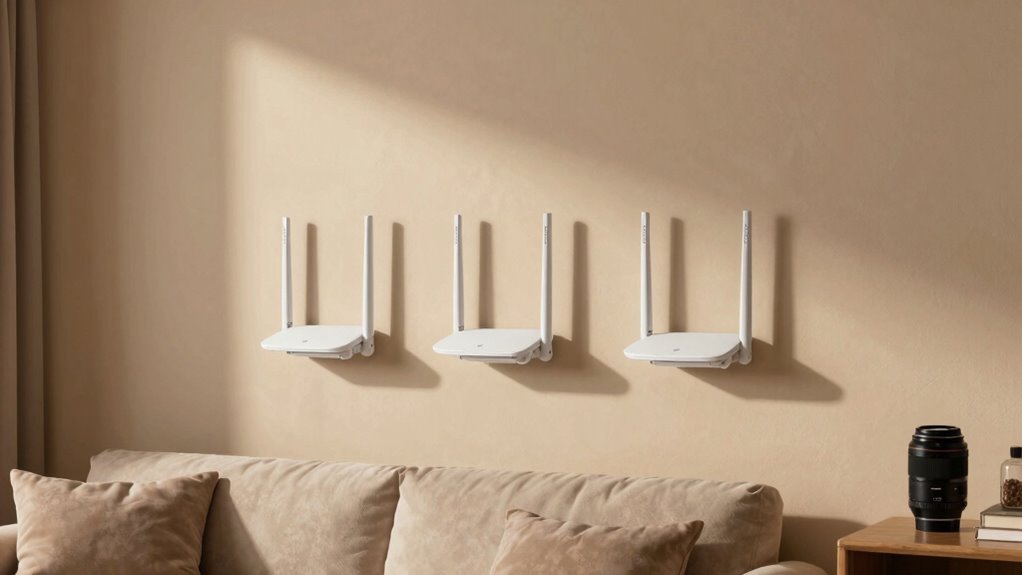

To make your security cameras more reliable, you should place your mesh nodes in open areas about 20-30 feet apart, starting near the modem in a central spot. Avoid thick walls and metal objects that block signals. Keep nodes away from electronic interference to maintain strong connections. Proper placement guarantees your cameras stay connected with minimal disruptions. If you want to learn more about optimizing your mesh setup for security devices, keep exploring these tips.

Get travel and outdoor gear delivered free with Prime
- Fast, free delivery on millions of items
- Prime Video, Amazon Music and more included
- Member-only deals all year
Key Takeaways
- Place primary mesh nodes near the modem in a central, open location for optimal coverage.
- Maintain 20-30 feet spacing between secondary nodes to ensure strong communication links.
- Position cameras within the WiFi coverage area of mesh nodes, avoiding dead zones.
- Place nodes in open areas with minimal obstructions to reduce interference and signal weakening.
- Regularly check signal strength at camera locations and adjust node placement to optimize connectivity.
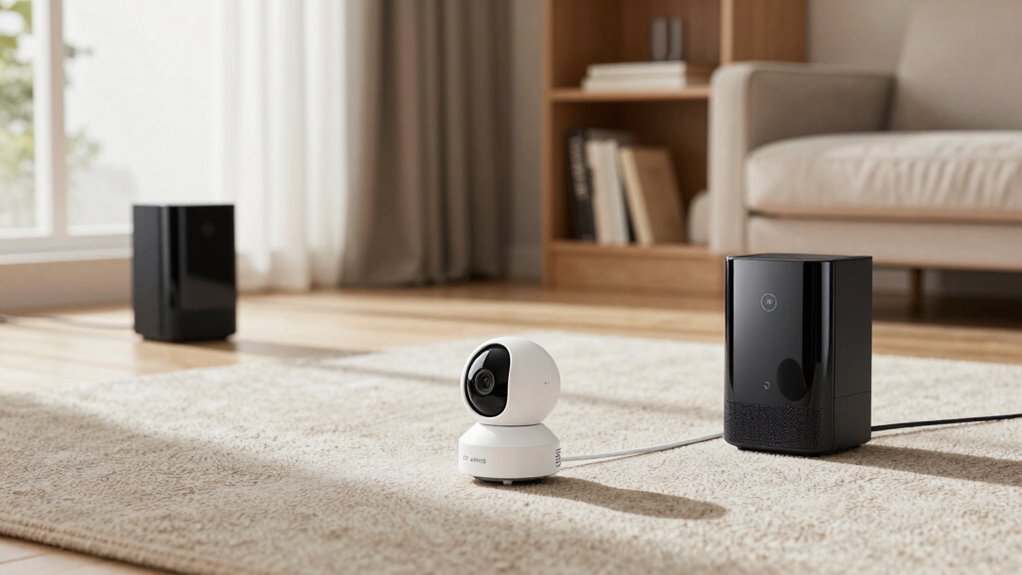
Ever wondered how to guarantee your WiFi mesh system delivers seamless coverage throughout your home? It all comes down to proper placement. To ensure your wireless signal stays strong and your network coverage is reliable, you need to be strategic about where you position your mesh nodes. The key rule is simple: each node should be close enough to the others so they can communicate effectively, but not so close that they overlap excessively. When you follow this placement rule, your network becomes more stable, which is especially important if you rely on WiFi-connected cameras for security or monitoring.
First, think about the layout of your home. You want to place your primary mesh node near your modem, ideally in a central spot. From there, position the secondary nodes so they are within a good range—typically between 20 to 30 feet—without walls or furniture obstructing the signal. Walls, especially thick ones or those made of metal or concrete, weaken the wireless signal, so you should keep your nodes in open areas or places with minimal obstructions. This way, each node can maintain a strong connection to the others, boosting overall network coverage and guaranteeing your wireless signal stays consistent across your entire space. Proper placement ensures optimal performance and helps prevent dead zones. Additionally, understanding the network topology can help you better plan the placement of your nodes for maximum efficiency. Proper node placement also reduces interference from other electronic devices, further stabilizing your network.
Place your primary node near the modem and keep secondary nodes 20-30 feet apart with minimal obstructions for optimal coverage.
Another essential aspect is to avoid placing nodes too far apart. When nodes are spaced too widely, the network can struggle with frequent disconnections or slower speeds, which directly impacts the performance of your cameras. If your WiFi mesh nodes are too distant, the network has to work harder to pass data back and forth, leading to dead zones or weak signals in certain areas. For cameras, particularly those used for security, a weak or inconsistent connection can mean missed footage or delayed alerts. By adhering to the placement rule—keeping nodes within an ideal range—you guarantee your surveillance devices operate smoothly and reliably.
Furthermore, signal interference from other electronic devices can also affect the stability of your wireless connection, making proper placement even more critical. Additionally, consider the placement of your cameras themselves. They should be positioned where the mesh network provides the strongest signal, ideally within the coverage area of a node with a solid wireless connection. If a camera is placed in a spot with poor network coverage, even the best camera won’t perform well. Adjusting your mesh nodes according to the placement rule will help guarantee that every camera stays connected and functions as intended, giving you peace of mind.
As an affiliate, we earn on qualifying purchases.
Frequently Asked Questions
How Does Wifi Mesh Placement Affect Camera Battery Life?
Your WiFi mesh placement directly impacts your camera’s battery life by influencing wireless interference and signal degradation. When your mesh nodes are well-placed, your camera maintains a strong, stable connection, reducing the need for the camera to boost its signal or work harder. This efficiency conserves battery power. Conversely, poor placement causes weak signals, increased interference, and faster battery drain because your camera struggles to stay connected and compensates for poor signal quality.
Can Mesh Placement Improve Camera Resolution?
Yes, smart mesh placement can sharpen your camera’s resolution, like fine-tuning a lens. When you position mesh nodes strategically, you reduce signal interference, creating a clearer, crisper connection. This stable signal allows your camera to transmit higher-quality images without hiccups. So, by optimizing where your mesh nodes go, you help your camera focus better, resulting in sharper footage and more detailed images, just like a well-adjusted camera lens.
Is Mesh Placement Different for Indoor and Outdoor Cameras?
Yes, mesh placement differs for indoor and outdoor cameras to optimize performance. Indoors, you should minimize wireless interference and avoid signal overlap by placing nodes centrally and away from thick walls or metal objects. Outdoors, guarantee nodes are positioned with clear line-of-sight and away from sources of wireless interference like trees or buildings. Proper placement reduces signal overlap, enhances camera reliability, and ensures consistent coverage for both environments.
How Often Should I Adjust My Wifi Mesh for Optimal Camera Performance?
Imagine your WiFi signals as a steady stream of light flowing smoothly. You should check and adjust your mesh every few months, especially if you notice signal interference or device compatibility issues that cause cameras to freeze or slow down. Regular tweaks keep the connection strong, ensuring your cameras stay reliable. Keep an eye on your network’s performance, and don’t hesitate to reposition nodes for best coverage and minimal interference.
Does Mesh Placement Influence Camera Data Storage Options?
Yes, mesh placement influences your camera’s data storage options indirectly. Properly placed mesh nodes reduce network congestion, ensuring smooth data transfer, which helps your camera efficiently upload footage to cloud or local storage. Additionally, a strong, stable connection minimizes data encryption issues, safeguarding your footage. Poor placement can cause interruptions, risking data loss or corruption, so position your mesh nodes thoughtfully to support reliable storage and encryption processes.
Conclusion
By following the WiFi mesh placement rule, you’ll enjoy more reliable camera feeds and greater peace of mind. It’s easy to think, “It’s just a small inconvenience,” but imagine missing an important moment because your camera cut out. Don’t let poor placement leave you vulnerable or worried. Take the extra step now, and guarantee your cameras stay connected when you need them most. Trust this rule—you’ll thank yourself every time you check your footage.
Fall Picks
fall essentials
As an affiliate, we earn on qualifying purchases.