
A UPS backup is essential for your router because it keeps your internet connection active during power outages, ensuring you stay connected for work, streaming, or calls. It also provides surge protection, shielding your device from voltage spikes that can cause damage. Regular maintenance, like replacing batteries, guarantees reliable performance when you need it most. To discover more about how a UPS safeguards your digital life, keep exploring these key points.

Get travel and outdoor gear delivered free with Prime
- Fast, free delivery on millions of items
- Prime Video, Amazon Music and more included
- Member-only deals all year
Key Takeaways
- Routers are essential for maintaining internet access, which is critical for remote work, communication, and online services.
- Power outages can disrupt network connectivity, affecting multiple devices and digital workflows simultaneously.
- UPS backups protect routers from surges and voltage fluctuations, preventing damage and prolonging device lifespan.
- Reliable router operation ensures continuous access to online resources, even during extended power outages.
- Proper UPS maintenance for routers prevents data loss, interrupted calls, and network downtime, safeguarding digital infrastructure.
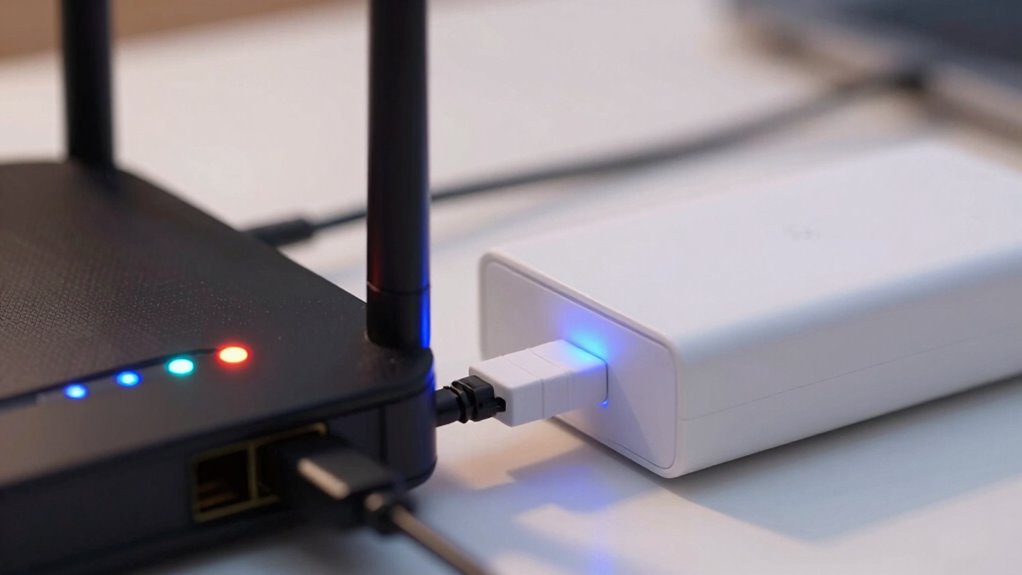
A dependable UPS backup is crucial for keeping your router online during power outages. When the power goes out unexpectedly, your internet connection can drop, interrupting work, streaming, or important communications. A UPS (Uninterruptible Power Supply) provides a buffer, giving your router enough time to stay connected until power is restored or you can safely shut down. But a UPS isn’t just about backup power — it also offers critical features like power surge protection, safeguarding your equipment from sudden voltage spikes that can damage sensitive electronics. Power surges, often caused by lightning or grid fluctuations, can fry your router’s internal components, leading to costly repairs or replacements. A UPS with built-in surge protection acts as a shield, absorbing excess voltage and preventing it from reaching your device. This protection prolongs the lifespan of your router, saving you money and hassle in the long run. Additionally, proper maintenance, particularly regarding battery replacement, is essential to ensure ongoing reliability. Over time, the battery inside your UPS will degrade, reducing the backup runtime and compromising overall performance. Regularly replacing the battery ensures your UPS can deliver the full backup power when needed most. It’s a simple step that maintains the reliability of your setup, especially during prolonged outages. Ignoring battery replacement can leave you with a UPS that’s fundamentally useless when power failures last longer than a few minutes. Staying proactive about this maintenance task ensures your router remains protected and functional at all times. Having a UPS backup for your router isn’t just about maintaining internet access; it’s a safeguard for your home or office’s digital infrastructure. Your router is the gateway to everything online, and a sudden power loss can cause more than just inconvenience—it can lead to data loss, interrupted calls, or missed deadlines. By choosing a UPS with robust power surge protection and keeping the battery in good condition through regular replacement, you create a resilient system that shields your network from unpredictable outages and electrical hazards. Ensuring your UPS has proper maintenance is key to maximizing its effectiveness and longevity. Regular battery replacement is a crucial part of this upkeep, as it directly impacts the reliability of your backup system. Staying aware of power stability and ensuring your UPS is well-maintained can help prevent unexpected disruptions and extend the lifespan of your equipment. Incorporating preventative measures like surge protectors and routine system checks can further enhance your setup’s durability and performance. Moreover, understanding the importance of surge protection can help you choose the right UPS model tailored to your specific needs. Ultimately, investing in a quality UPS for your router isn’t just smart; it’s vital for ensuring continuous, secure internet access in today’s connected world.
As an affiliate, we earn on qualifying purchases.
Frequently Asked Questions
How Long Should a UPS Last During an Outage?
During an outage, your UPS should last enough to keep your router running for about 15 to 30 minutes, depending on its power capacity. To guarantee this, regularly perform battery maintenance, checking for wear or leaks, and replace batteries as needed. A well-maintained UPS with adequate power capacity provides reliable backup, giving you enough time to save work or shut down devices safely without risking data loss or connectivity issues.
Can UPS Backups Protect Against Power Surges?
Yes, UPS backups can protect against power surges through surge suppression. Many UPS units feature built-in voltage regulation and surge suppression, which help prevent sudden voltage spikes from damaging your devices. When a surge occurs, your UPS absorbs and dissipates the excess energy, safeguarding your router and other electronics. This protection is essential, especially during thunderstorms or unstable power conditions, ensuring your devices stay safe and operational.
Are There Specific UPS Features Ideal for Routers?
Think of your router as a essential lighthouse guiding your internet connection through storms. Look for UPS features like ample battery capacity to keep the lighthouse shining during outages and surge protection to prevent lightning strikes from damaging the beacon. These features guarantee your router stays powered, maintaining connectivity and protecting your network infrastructure. With the right UPS, your internet stays steady, even when the power flickers or fails unexpectedly.
How Often Should I Test My UPS Backup?
You should test your UPS backup at least once every three to six months to guarantee reliable power management. Regular battery maintenance during these tests helps identify wear or capacity loss early. When testing, simulate a power outage to see if your router stays online, confirming the UPS functions properly. This proactive approach keeps your network protected and makes sure your backup system is ready when you need it most.
Do All UPS Units Work With All Types of Routers?
Not all UPS units work with all routers; about 30% of compatibility issues stem from overlooked specifications. You need to take into account compatibility, especially regarding voltage and port types. Battery maintenance is vital to guarantee your UPS functions properly when needed. Always check your router’s power requirements and the UPS’s specifications before connecting, avoiding potential damage and maintaining continuous internet during outages.
Conclusion
Remember, a UPS backup for your router isn’t just a convenience — it’s your digital lifeline. Without it, a sudden power outage could cut off your internet faster than you can blink, leaving you stranded in the dark ages of connectivity. Protect your online world now, because losing your internet during an emergency isn’t just inconvenient — it’s like losing your right arm in the digital age. Invest in a UPS, and stay connected no matter what.
Fall Picks
fall essentials
As an affiliate, we earn on qualifying purchases.