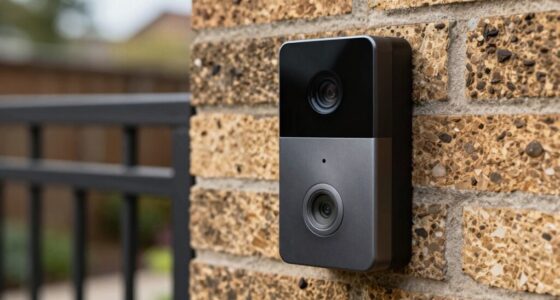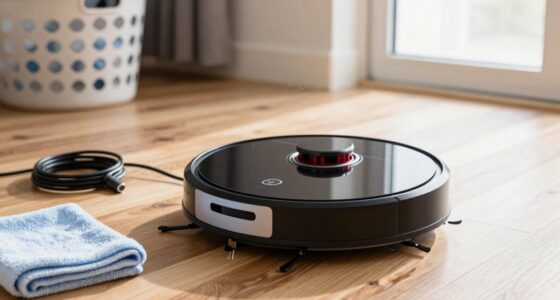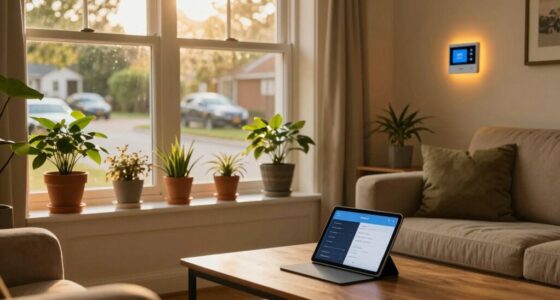
Creating a smart home on a budget is easy with affordable gadgets like smart bulbs, plugs, and sensors. You can save money by doing the installation yourself, since most devices are user-friendly and require no professional help. Start small with a few key devices and expand gradually over time. This step-by-step approach helps you stay within budget while enjoying the benefits of home automation. Keep exploring for more tips to maximize your smart home setup.

Get travel and outdoor gear delivered free with Prime
- Fast, free delivery on millions of items
- Prime Video, Amazon Music and more included
- Member-only deals all year
Key Takeaways
- Start with budget-friendly smart devices like plugs and bulbs that are easy to install DIY.
- Use sensors such as motion or door/window sensors to automate lighting and security affordably.
- Gradually expand your system over time, adding new gadgets to stay within budget.
- Choose devices compatible with your existing voice assistants and apps for seamless control.
- Avoid professional installation costs by setting up devices yourself with simple, user-friendly instructions.
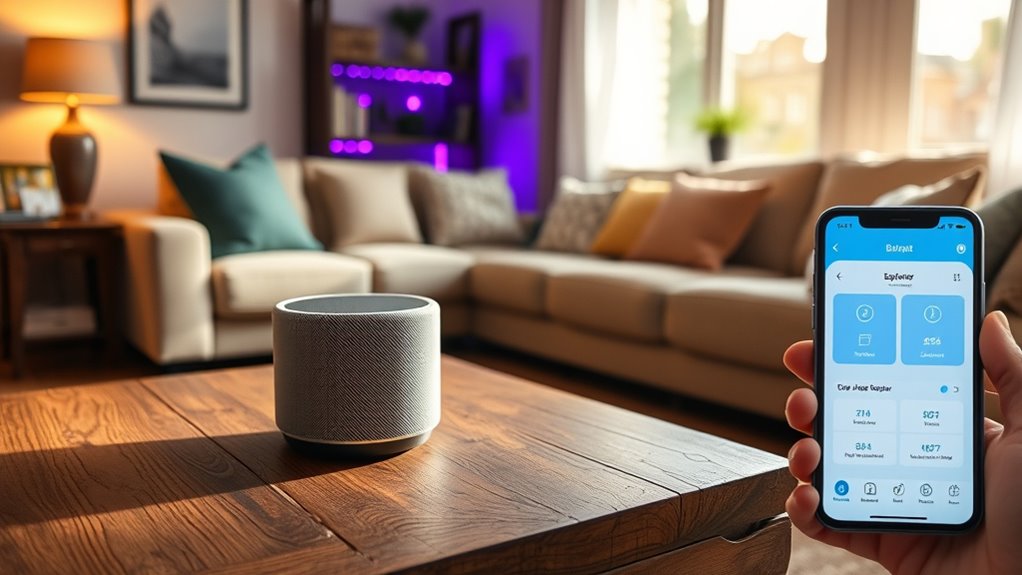
Transforming your home into a smart space doesn’t have to break the bank. You can start small by choosing budget-friendly devices that are easy to install and operate. The key is to focus on DIY installation options, which save you money on professional setup costs. Many smart devices today are designed with user-friendly interfaces, making it simple for you to set them up without special skills or tools. From smart bulbs to plugs, you can find a variety of affordable gadgets that instantly boost your home’s intelligence.
First, consider smart plugs. They’re among the most budget-friendly devices you can buy, and they’re incredibly versatile. With a smart plug, you can control lamps, fans, or appliances remotely through your smartphone or voice commands. Installing these is straightforward—just plug them into the outlet, connect them to your Wi-Fi network, and you’re ready to go. No complicated wiring or professional help needed. This DIY approach makes it easy to automate your home incrementally, without a hefty upfront investment.
Smart bulbs are another excellent choice for budget-conscious automation. These LED bulbs often come with adjustable brightness, color options, and scheduling features. Installing smart bulbs is as simple as replacing your existing bulbs—no electrical work involved. Once installed, you can control them via an app or voice assistant, turning lights on or off, dimming, or changing colors. These devices are typically affordable and can be integrated gradually into your home, allowing you to spread out expenses over time.
In addition to bulbs and plugs, consider smart sensors. Motion sensors or door/window sensors can trigger lights or alarms when movement is detected or a door opens. Many budget-friendly sensors are easy to install yourself—simply stick or mount them in preferred locations and sync them with your existing smart hub or app. These sensors help automate your home’s lighting and security, all while keeping costs low.
The beauty of focusing on DIY installation and budget-friendly devices is that you can build your smart home step-by-step. You don’t need to overhaul everything at once; start with a few key gadgets and expand as your budget allows. This approach also gives you the chance to learn what works best for your lifestyle without overspending upfront. Plus, by installing everything yourself, you avoid hefty professional fees, making smart home automation accessible and affordable.
affordable smart plugs for home automation
As an affiliate, we earn on qualifying purchases.
As an affiliate, we earn on qualifying purchases.
Frequently Asked Questions
Can I Retrofit My Existing Home With Smart Devices Affordably?
Yes, you can retrofit your existing home with smart devices affordably. DIY installation makes it cost-effective, saving you money on professional setup. Start with simple upgrades like smart bulbs, plugs, or thermostats. Do a cost comparison of different brands and features to find the best deals. This way, you can enhance your home’s automation without overspending, making your smart home journey accessible and budget-friendly.
What Are the Best Budget-Friendly Brands for Smart Home Products?
Like finding a needle in a haystack, choosing budget-friendly smart home brands can be tricky. For affordable security, brands like Wyze and Ring offer reliable options without breaking the bank. For budget lighting options, consider LIFX or TP-Link Kasa—they’re easy on your wallet and deliver quality. These brands prove that you don’t need to spend a fortune to make your home smarter and more secure.
How Secure Are Low-Cost Smart Home Devices Against Hacking?
Low-cost smart home devices can pose privacy concerns and hacking vulnerabilities. While they often lack advanced security features, you can reduce risks by changing default passwords, enabling two-factor authentication, and keeping firmware updated. Be cautious about the data you share and monitor connected devices regularly. Remember, cost-effective options can still be secure if you stay vigilant and take proactive steps to protect your home network.
Do I Need Professional Installation for Affordable Smart Home Setups?
You don’t need professional assistance for most affordable smart home setups. DIY installation is straightforward, especially with user-friendly devices designed for easy setup. However, if you’re installing complex systems or want to guarantee everything is optimized and secure, seeking professional assistance can be beneficial. It helps prevent mistakes and guarantees your smart home functions smoothly. Ultimately, assess your comfort with technology and the complexity of your setup to decide if professional help is necessary.
How Can I Ensure Compatibility Among Various Budget Smart Devices?
Think of your smart devices as a choir—if they don’t follow the same sheet music, the harmony falls apart. To guarantee device interoperability and brand compatibility, stick to devices that support common standards like Zigbee or Z-Wave. Check for compatibility labels before purchasing, and use a unified hub or platform like Google Home or Amazon Alexa. This way, your smart home sings in perfect harmony without breaking the bank.
Conclusion
By choosing affordable devices, setting smart routines, and staying patient, you build a home that’s easier to control, more energy-efficient, and truly personalized. With each budget-friendly upgrade, you lay a foundation of convenience, comfort, and security. As your smart home evolves, it becomes a space where technology and everyday life seamlessly blend, creating an environment that’s smarter, safer, and more enjoyable—without breaking the bank. Your smart home dreams are within reach; start today and watch them come to life.
Halloween Picks
halloween
As an affiliate, we earn on qualifying purchases.