
TL;DR

Get travel and outdoor gear delivered free with Prime
- Fast, free delivery on millions of items
- Prime Video, Amazon Music and more included
- Member-only deals all year
This article shows how a single video can produce a full publishing kit—titles, social posts, media assets—entirely offline. It saves time, boosts privacy, and puts control back in your hands, making it perfect for creators, authors, and marketers.
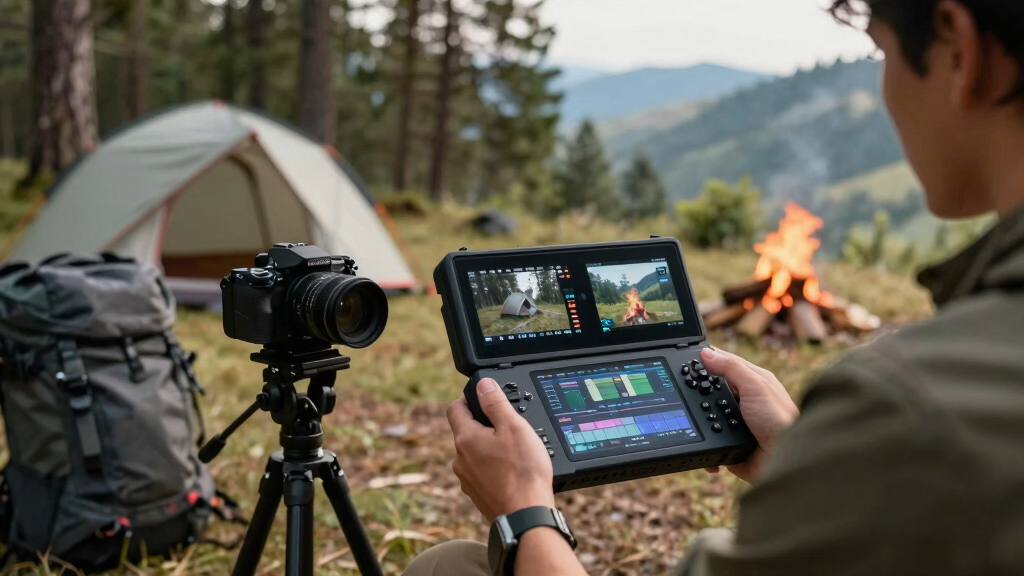
Picture this: you finish a video, and instead of hours spent repackaging content for multiple platforms, your tools do the heavy lifting—right on your own machine. No cloud, no waiting for uploads, just a quick workflow that turns your raw footage into a full media kit. It’s a game-changer for creators who want speed, privacy, and control.
In this article, I’ll walk you through how this local-first process works, what kind of assets it can produce, and why it’s a smart move for anyone serious about publishing. Think of it as your ultimate content factory—compact, efficient, and entirely in your hands.
Key Takeaways
- Local-first workflows like ChannelHelm turn a single video into a full publishing kit—titles, social posts, media assets—entirely offline.
- Processing locally enhances privacy, speeds up workflows, and reduces dependency on third-party cloud services.
- Automated assets still need human editing for tone, accuracy, and branding consistency.
- This approach is perfect for nonfiction creators, educators, and anyone who values control and privacy.
- Combining automation with human oversight maximizes quality and efficiency in content publishing.
As an affiliate, we earn on qualifying purchases.
How a Single Video Becomes a Complete Publishing Toolkit
Imagine dropping a YouTube link into a program, and within minutes, you get a set of titles, descriptions, social snippets, and even a media kit. That’s what a local workflow like ChannelHelm does. It analyzes your video on four levels: audio, visuals, the fused timeline, and content themes.
For example, it recognizes a product reveal scene, matches it with a catchy headline, and creates snippets for TikTok or Instagram. It doesn’t just transcribe; it understands what’s happening on screen and when it’s most engaging. This structured understanding means your assets are aligned, on-point, and ready to publish.
Why this matters: this layered analysis allows for a more intelligent and context-aware asset creation process. Instead of generic snippets, you get content that resonates with your audience, improves engagement, and reduces the time spent editing or rewriting. The tradeoff is that the initial analysis might require more computational power and time, especially for longer videos, but the payoff is highly relevant, ready-to-publish assets that save you effort later.
Why Going Local Matters More Than Ever
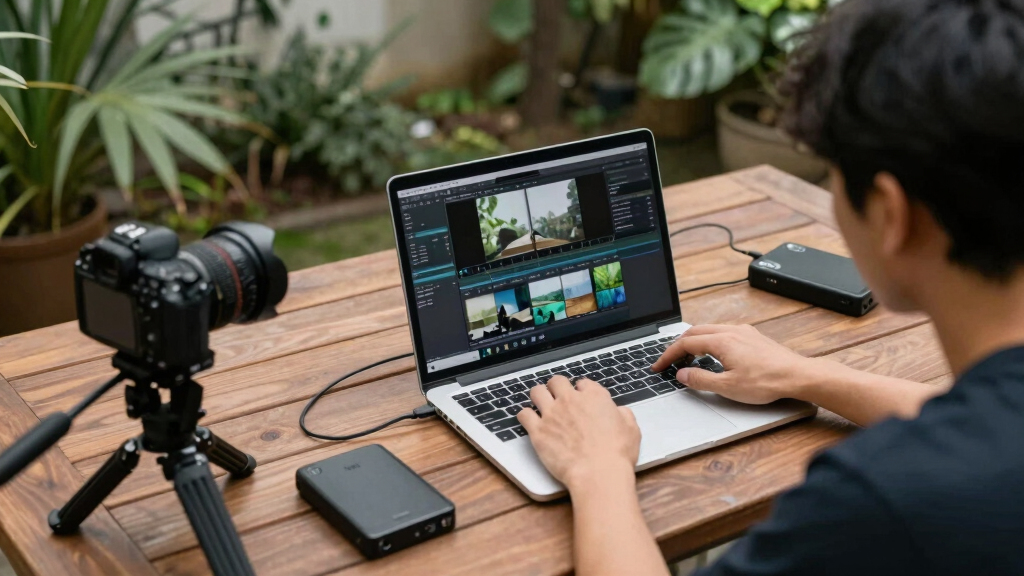
Processing everything locally means your content stays private. No uploads to third-party servers, no waiting for cloud processing. It’s like having your own media factory in your basement—fast, secure, and under your control.
For instance, a coach sharing sensitive client stories can generate promotional videos and social posts without risking privacy breaches. Plus, local processing cuts down on lag and dependency on internet speed, so you work seamlessly even offline.
Beyond privacy, local workflows reduce exposure to external vulnerabilities—less risk of data breaches or leaks. They also empower creators to work without interruption from network issues, ensuring consistent productivity. The implication is a shift toward more autonomous content creation, which is increasingly valuable in a landscape where data security and speed are critical. However, the tradeoff is that local setups often require more initial setup and hardware investment, and may lack some of the convenience of cloud-based automation, which can be more scalable but less private.

The Core Components of a Publishing Kit from One Video
Think of your publishing kit as a Swiss Army knife—compact but versatile. From one video, you get:
- Titles and Descriptions: with scoring for best fit, character count, and hook potential.
- Social Snippets: short clips, captions, and hashtags tailored for each platform.
- Media Assets: high-res and low-res images, thumbnails, and banners.
- Blog and Newsletter Drafts: summaries, extracts, or full articles based on the content.
- Press and Media Kits: bios, one-sheets, pitch letters, all ready for outreach.
Why this matters: each asset serves a specific purpose in your content ecosystem, and generating them from a single source ensures consistency and saves time. For example, a fitness influencer uploads a workout video and ends up with a complete media package—ready for Instagram, TikTok, email campaigns, and press pitches. This automation reduces manual effort, but the tradeoff is that initial outputs might still need human refinement to match specific branding nuances and tone.
How to Use a Workflow That Turns Video into Assets in Four Simple Steps
- Drop or Link: Upload your video file or paste a YouTube link. The system recognizes your channel, if applicable.
- Let it Analyze: Background workers transcribe, detect scenes, and fuse data—taking about 2-5 minutes depending on length.
- Review & Edit: Preview the generated titles, descriptions, snippets, and assets. Tweak what needs fixing and regenerate if necessary.
- Publish & Track: Send the assets directly to your platforms or download for manual posting. Keep an eye on your analytics to see what sticks.
Why this matters: simplicity in steps encourages adoption, but understanding the depth of analysis at each stage helps you better gauge the quality of outputs. For example, a course creator might upload a lecture, review the auto-generated social clips and article briefs, then refine them to better match their branding before publishing. This iterative process ensures your assets are not just generated but optimized for maximum impact.

How This Local Method Compares to Cloud-Based Tools
| Feature | Local Workflow | Cloud-Based Tools |
|---|---|---|
| Privacy | Complete control, no data leaves your machine | Data stored on third-party servers |
| Speed | Fast, limited by your hardware | Dependent on internet speed and server load |
| Cost | One-time setup or open-source options | Subscription-based, ongoing fees |
| Customization | High—modify prompts, workflows, outputs | Limited to platform features |
| Accessibility | Offline, no internet needed | Requires internet connection |
Why this matters: understanding these differences helps you choose a workflow aligned with your priorities. The tradeoff is that while cloud tools often offer easier instant setup and scalability, they sacrifice control and privacy. Conversely, local workflows demand more initial effort but reward you with autonomy, security, and potentially lower long-term costs, especially for high-volume creators. The decision hinges on your specific needs for privacy versus convenience and how much you’re willing to invest upfront versus ongoing subscriptions.
Limitations and When You Still Need Human Touch
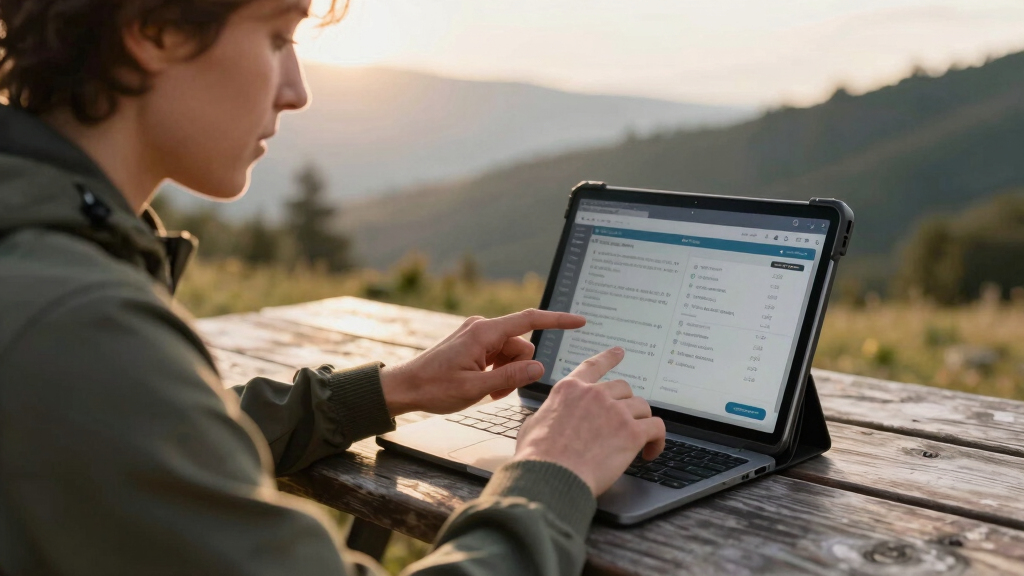
While a local workflow automates much, it’s not magic. Human editing remains essential for voice tone, brand consistency, and nuanced messaging. For example, a CEO might want to tweak the tone of a press release or ensure the titles match their personal style.
AI can generate a first draft, but fine-tuning ensures your assets truly reflect your voice and goals. Plus, complex or sensitive topics often require a human’s judgment to avoid missteps.
Think of it as your workhorse—powerful but still needing a skilled driver to steer it right. Overreliance on automation without oversight can lead to generic or mismatched assets that don’t fully resonate with your audience or brand identity. Human input acts as the quality filter, aligning outputs with your strategic objectives and emotional tone, which AI is still learning to master. The tradeoff: balancing effort with accuracy is crucial—automation speeds up production but cannot replace the nuanced understanding that only humans provide.

Best Use Cases for This Local Video-to-Publishing Approach
This workflow shines brightest for nonfiction creators, educators, coaches, and expert entrepreneurs who produce regular video content. For example, a language coach posts weekly lessons and instantly gets social snippets, blog ideas, and media kits—saving hours every week.
Similarly, independent authors with YouTube channels can generate pre-launch assets, press materials, and promotional content without waiting for cloud services or risking privacy breaches.
In essence, if your content is your business, this approach allows you to scale more efficiently while maintaining full control over your assets. The main implication is that creators who prioritize privacy and speed, and who produce content at volume, will find this workflow particularly advantageous. However, it’s less suited for occasional creators or those needing highly stylized, creative assets that require significant manual input—where the tradeoff might be more effort for more personalized results.
Frequently Asked Questions
What exactly does ‘one video in, a whole publishing kit out’ generate?
It produces titles, descriptions, social snippets, media assets, blog drafts, and press materials—all from a single video file or link. It’s a full content package ready for distribution.
Does it work offline, and is my content private?
Yes, processing happens entirely on your local machine. Your videos and assets stay private, with no uploads to cloud servers, giving you full control and security.
How much editing do I still need to do?
While automation handles the heavy lifting, human review is essential for perfect tone, branding, and accuracy. Think of it as a first draft you refine for your voice.
Absolutely. It creates everything from social snippets to media kits, tailored for multiple platforms—all from one source video.
Is this suitable for fiction and nonfiction creators?
It’s especially useful for nonfiction, educators, and entrepreneurs who produce content regularly. Fiction authors can also use it for promo assets but might need more creative editing.
Conclusion
Turning a single video into an entire publishing launch pad without the cloud isn’t just a tech trick. It’s a way to reclaim control, protect your privacy, and speed up your workflow. Imagine editing your assets in real time, knowing everything stays on your machine, then hitting publish with confidence.
For creators ready to cut the cloud dependency and own their publishing process, this local-first approach offers a clear path forward. Your next big launch could be just one video away—powered by a system that works for you, not the internet.

Halloween Picks
halloween
As an affiliate, we earn on qualifying purchases.