
To keep your smart home secure and protect your data privacy, regularly update your devices and firmware to fix vulnerabilities. Use strong, unique passwords and change default settings immediately. Manage voice control permissions carefully and restrict access to trusted users. Secure your Wi-Fi with strong encryption and consider creating a separate network for smart devices. Stay aware of potential risks and practice good security habits—there’s more you can do to safeguard your home’s digital peace.

Get travel and outdoor gear delivered free — and shop member deals
- Fast, free delivery on millions of items
- Access to Prime Big Deal Days deals on October 6–7
- Prime Video, Amazon Music and more included
Key Takeaways
- Regularly update device firmware and software to patch security vulnerabilities.
- Use strong, unique passwords and enable two-factor authentication for all smart devices.
- Manage and restrict voice control permissions, enabling recognition for trusted users only.
- Secure your Wi-Fi network with WPA3 encryption and create a separate network for smart devices.
- Review and adjust device settings periodically to ensure privacy and security measures are maintained.
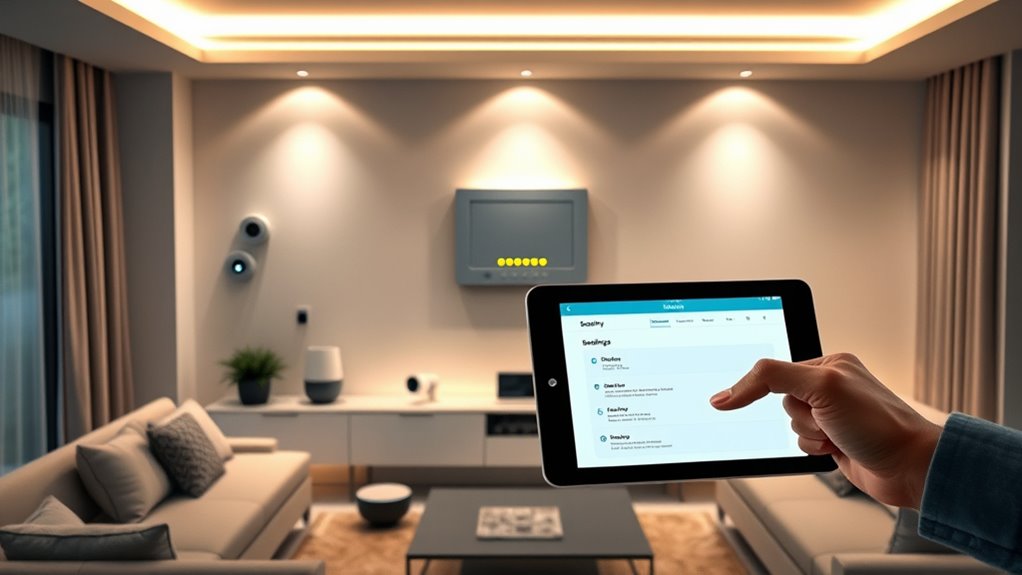
Have you ever wondered how to make your home safer with minimal effort? The good news is, many smart security measures can be implemented easily, especially through voice control features. Voice-activated assistants like Alexa, Google Assistant, or Siri make managing your devices simple—just speak what you need, whether it’s locking doors, turning on cameras, or adjusting alarms. But with convenience comes responsibility. To keep your smart home secure, it’s essential to stay on top of device updates. Regularly updating your smart devices ensures you’re protected against the latest security vulnerabilities and bugs. Manufacturers release updates to patch security flaws, improve functionality, and enhance privacy controls. Neglecting these updates can leave your devices exposed to hackers who exploit known vulnerabilities.
Keep your smart home secure by regularly updating devices and managing voice control permissions.
When it comes to voice control, be cautious about what commands you give and who can access them. Set up user permissions carefully, and avoid giving unrestricted voice access to sensitive features. Many devices allow you to configure voice recognition so only authorized users can control specific functions. Also, consider disabling voice purchasing or sensitive commands if your device supports them, especially if your household has children or visitors. This minimizes the risk of accidental or malicious commands that could compromise your security.
Implementing automatic device updates can drastically improve your security posture. Many smart devices offer the option to enable automatic updates, which means you don’t have to remember to check for new firmware manually. This continuous process ensures your devices are always running the latest security patches, reducing the chances of unauthorized access. If automatic updates aren’t available, set reminders to manually check for updates regularly. Keeping your devices current is one of the simplest yet most effective ways to protect your data and prevent breaches.
Another key step is to review your device settings periodically. Check that your smart security cameras, door locks, and alarms are configured with strong, unique passwords. Change default credentials immediately after setup, as these are often well-known to hackers. Make sure your Wi-Fi network itself is secure, using WPA3 encryption if available, and consider creating a dedicated network for your smart devices. This way, even if one device is compromised, your main network remains protected.
Lastly, it’s important to recognize that mindfulness of your device usage habits can help prevent security oversights. By actively managing voice control permissions, keeping device updates current, and practicing good password hygiene, you’ll create a safer environment for your smart home without sacrificing the convenience these devices provide. Staying aware of potential vulnerabilities allows you to respond proactively rather than reactively.
As an affiliate, we earn on qualifying purchases.
Frequently Asked Questions
How Often Should I Update My Smart Home Device Firmware?
You should update your smart home device firmware as soon as updates become available. Firmware updates include important security patches that safeguard your devices from vulnerabilities. Regularly checking for updates, ideally once a month, ensures you’re installing the latest security patches and features. By staying current with firmware updates, you reduce the risk of hacking and keep your smart home system secure and functioning smoothly.
What Are the Best Practices for Creating Secure Wi-Fi Passwords?
Did you know that 81% of hacking breaches start with weak passwords? To create secure Wi-Fi passwords, focus on password complexity—use a mix of uppercase, lowercase, numbers, and symbols. Avoid common words or phrases. Also, enable multi-factor authentication whenever possible for added security. These practices make it much harder for hackers to access your network, protecting your smart home devices and data privacy effectively.
How Can I Monitor Unauthorized Access to My Smart Home Network?
To monitor unauthorized access to your smart home network, you should regularly check your access logs for unusual activity or unknown devices. Enable network intrusion detection tools if available, which alert you to potential threats. Keep your firmware updated and change passwords periodically. By staying vigilant and reviewing your logs, you can quickly spot signs of network intrusion and take action to protect your devices and privacy.
Are There Specific Devices More Vulnerable to Hacking?
Certain devices in your smart home are more vulnerable to hacking due to device vulnerabilities and higher hacking risks. Devices like smart cameras, doorbells, and voice assistants often have weaker security features, making them prime targets. You should regularly update their firmware, change default passwords, and enable two-factor authentication to reduce hacking risks. Staying vigilant and understanding device vulnerabilities helps you better protect your smart home environment.
How Do I Securely Share Device Access With Family Members?
To securely share device access with family members, you should use guest access features whenever possible. This allows you to grant permission management, giving each person only the access they need. Avoid sharing your main account credentials, and regularly review permissions to verify only trusted family members have access. Setting up separate user profiles or accounts helps maintain control and keeps your smart home secure while everyone stays connected.
Conclusion
Now that you’ve taken steps to secure your smart home, remember—cyber threats are always evolving. Stay one step ahead by regularly updating your devices and staying informed about new vulnerabilities. The more you know, the safer your devices and data remain. But beware—what you don’t see or update could be the very thing that puts your privacy at risk. Are you ready to keep your smart home truly secure? The choice is in your hands.
Halloween Picks
halloween
As an affiliate, we earn on qualifying purchases.